From dinner check to guest folio
Dining room · Room 214
Post a signed restaurant check to the right stay so reception can find it at checkout.

Match the restaurant check to an active stay
When a guest asks to charge dinner to their room, confirm the room and guest name through the property’s room-charge procedure. Check that the stay is active and can accept the charge. If the guest moved rooms, ask reception to confirm the active stay before posting. Follow the outlet’s approved payment procedure if the room cannot accept the charge or if you cannot verify who should be billed.
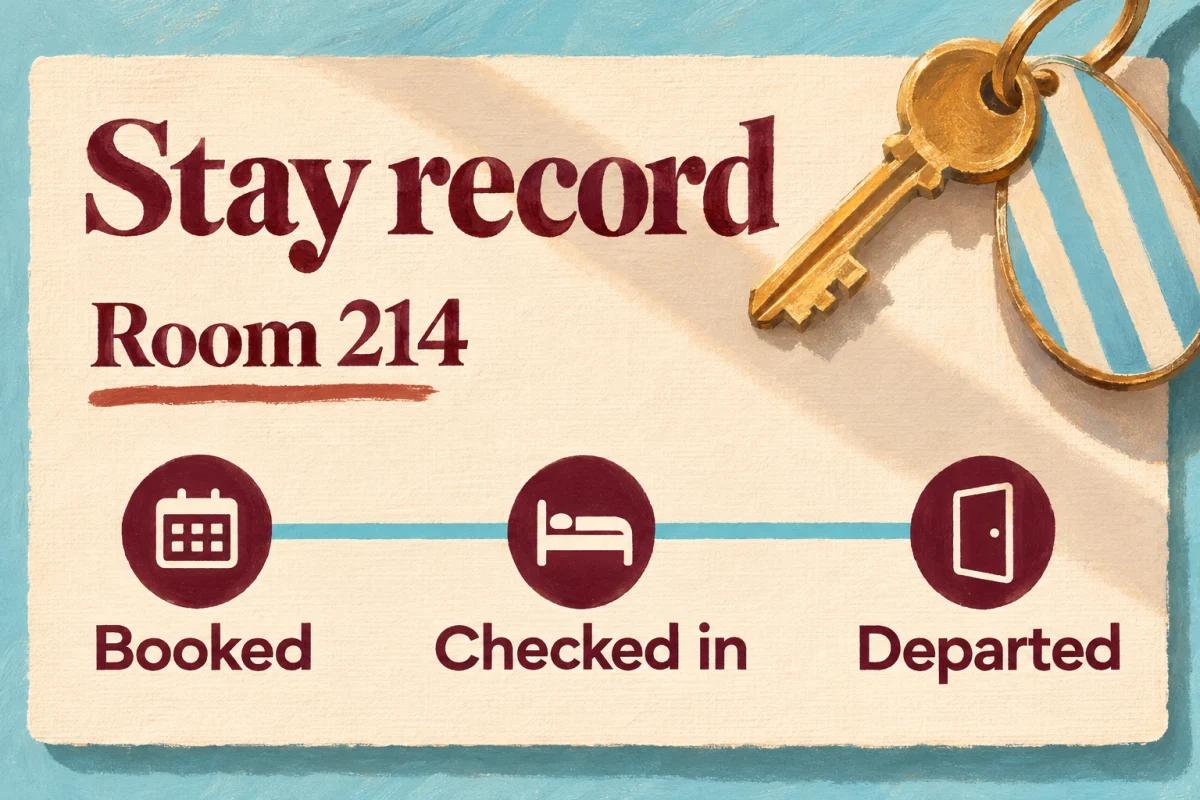
Check the signed total before posting
Match the signed check reference, total and outlet to the charge you intend to post. If the bill has been split, confirm the amount authorised for the room and check where the rest was paid before posting. Enter the charge once. Keep the check and posting references together in the approved record so the next shift can find the source without relying on a room number alone.
What if the system does not confirm the charge?
Suppose a $64 check for 214 was submitted just as the terminal lost its connection. Record the check reference and ask reception to open the active stay’s folio. If one $64 entry matches that check, record the posting reference and close the item. If it is still missing, confirm the posting or retry procedure with the authorised lead. Keep the check open for follow-up while a connection or queued posting remains unresolved.
Match a queried charge to the source check
At checkout, open the folio for the stay and match the guest’s query to the outlet, time, amount and supporting check. If the folio shows two similar charges, compare references before deciding whether a duplicate exists. Ask the authorised person to approve any correction and record the reason and original posting reference so accounts can reconcile the adjustment.
What does the next shift need from dining?
Hand over outstanding checks with a reference, amount, status, owner and time to check again. Include whether the charge was verified in the folio, is awaiting confirmation or needs review. Use the property’s approved records for any supporting information. In a practice handover, ask reception to find the $64 entry and explain how they would confirm it was posted once before closing the folio.