Open API
Use documented APIs and webhooks to build property workflows around reservations, inventory, and guest data.

Keep a hotel tool current as reservations change
A hotel’s operations team creates a pickup board for the airport shuttle desk. The board reads eligible arrivals and uses reservation events to learn when it should refresh its records. The team tests a guest moving their arrival to the next day and then cancelling. Before rollout, the shuttle lead compares the board with the reservation list used by reception to check that both teams are planning for the same arrivals.
Choose where the source record lives
Write down which system owns the record and which fields the new tool needs to read or update. A shuttle board may need an arrival date and a booking reference, while an app that writes requests back may need additional operations. Confirm the supported API operations and the properties the connection can access. Work through tests for creation, amendment and cancellation, then check what your app does when the underlying reservation can no longer be read. Share the expected outcomes with the hotel team that will use the tool.
Work with hotel data
Use documented API operations for supported guest, reservation, property, and inventory records. Scope access to the properties and data the connection needs.
React to changes with webhooks
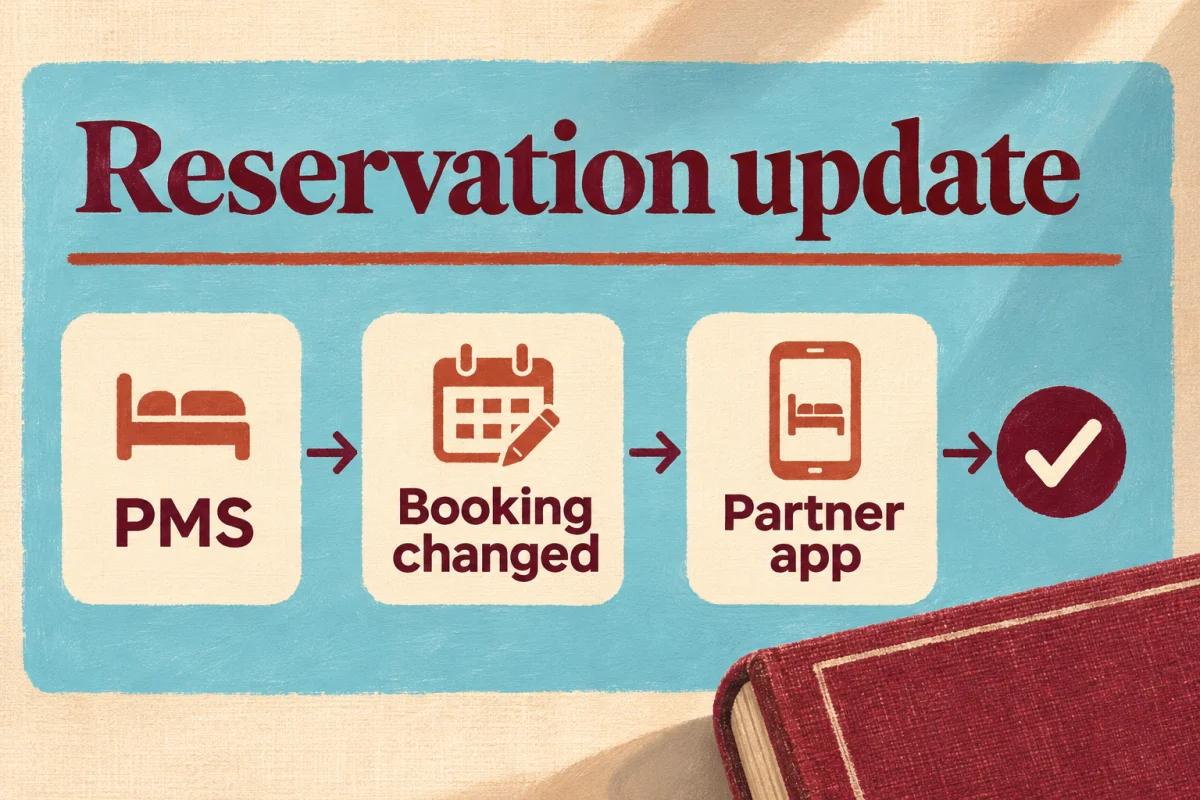
Subscribe to reservation or operational events and update your own tools when the underlying records change.
Develop with test data
Use API guides and a test environment to build and exercise common scenarios, including a new booking, a date change, and a cancellation, before connecting a live property.
What should an integration do with repeated or delayed events?
Ask about event identifiers, delivery and retry behaviour in the API documentation. In a test environment, process the same booking update twice and check that it does not create two shuttle entries or tasks. Try processing an earlier change after a later one and verify how the application reconciles against the current reservation. Agree how your team will detect missed updates and recheck records after an interruption before relying on the integration for a busy shift.
Alongside this workflow
- Hospitality intelligence
Bring bookings, guest activity, market demand, and channel performance together for AI forecasting and hotel reporting.
- Integration marketplace
Connect specialist tools for restaurant operations, accounting, door access, guest services, and more.
- Technology & distribution partnerships
Work with Stayclouds to connect a hospitality app, build a custom integration, or bring a new booking channel to hotels.