Hospitality software by property and team
Find the workflows that fit what you sell and who runs it, from dorm beds and holiday rentals to multi-property hotels.
Explore by property type
Start with your inventory and how guests book, arrive and pay.
- Hotels
Coordinate reservations, room readiness, distribution and guest folios from booking to departure.
- Multi-property groups
Give group leaders a portfolio view while local teams manage their own availability, arrivals, folios and service work.
- Hostels
Sell the right bed or room across connected channels and give the desk clear assignments for groups, walk-ins and late arrivals.
- Short-term rentals
Use the right unit calendar, arrival instructions and turnover handover for each short-term rental you manage.
- B&Bs and inns
Make it easy to book a distinctive room, plan arrivals around hosting duties and see what each guest has paid.
Explore by hotel team role
Follow the decisions your team makes and the information it needs from other departments.
- Revenue managers
Compare pickup, channel mix and rate restrictions, then verify what guests can actually book.
- General managers
Use arrivals, room readiness, service requests and revenue reports to assign work and explain exceptions.
- Front desk managers
Bring together registration, room status, guest requests and folios so reception can pick up a stay at any point.
- Owners
Put trading results, distribution costs, deposits and settlements in context before choosing where to invest.
- IT managers
Map booking, payment and guest updates across connected tools, then test the handoffs with property staff.
Start with the unit you sell
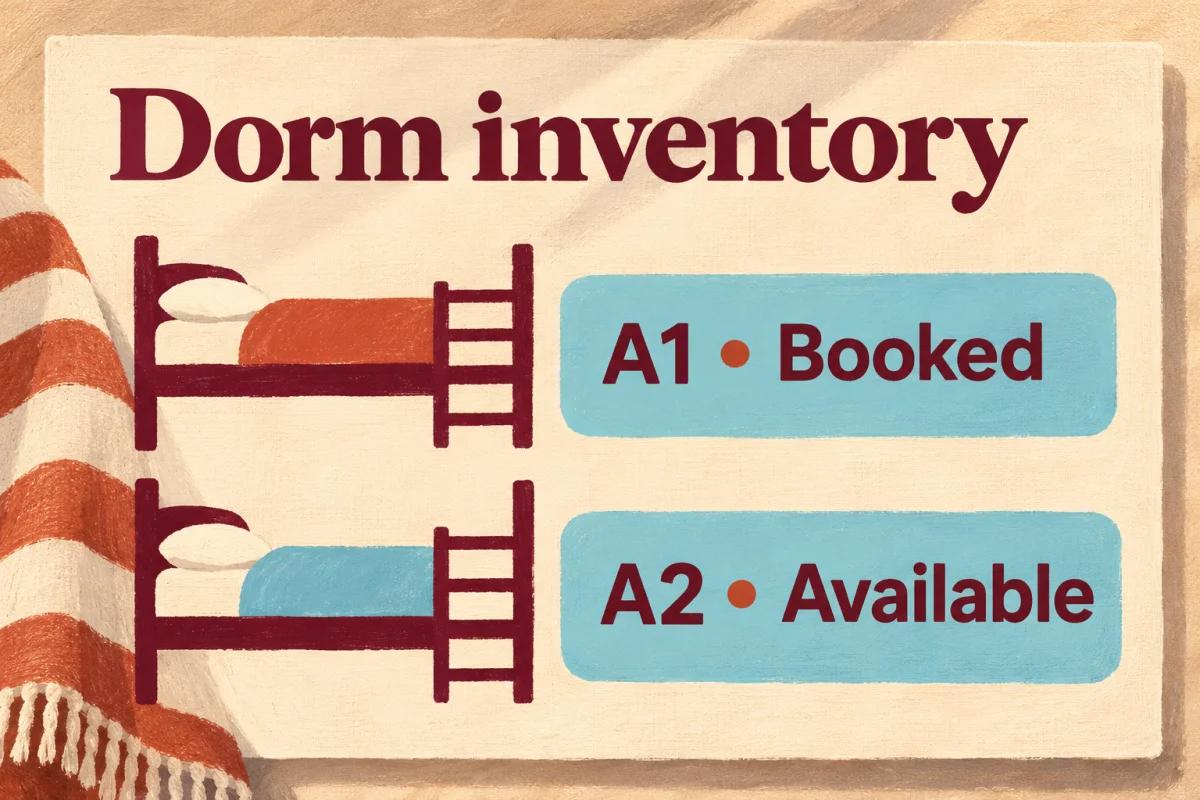
A hostel bed, a named room in an inn and an apartment at a specific address each need a different availability check. List what guests can book, where they can book it and what a cancellation puts back on sale. If you run more than one property, include which team takes the booking and which location sees the payment. Use that example to decide where to start in the property guides above.
Bring an exception to the software demo
Pick a change your team handles often, such as a room move, a late arrival or a refund after checkout. Ask the person who starts the change and the one who picks it up to run through it together. Check what reaches the guest, connected channels and the folio, as applicable. Use the same scenario across products so you can compare where each team still needs to act.