Hotel management software from booking to checkout.
One booking connects the room calendar, the people preparing the stay, the rate on your website and the bill at departure. Explore each part of the platform.
Hotel operations
Keep the front desk, the restaurant and the accounts on the same stay.
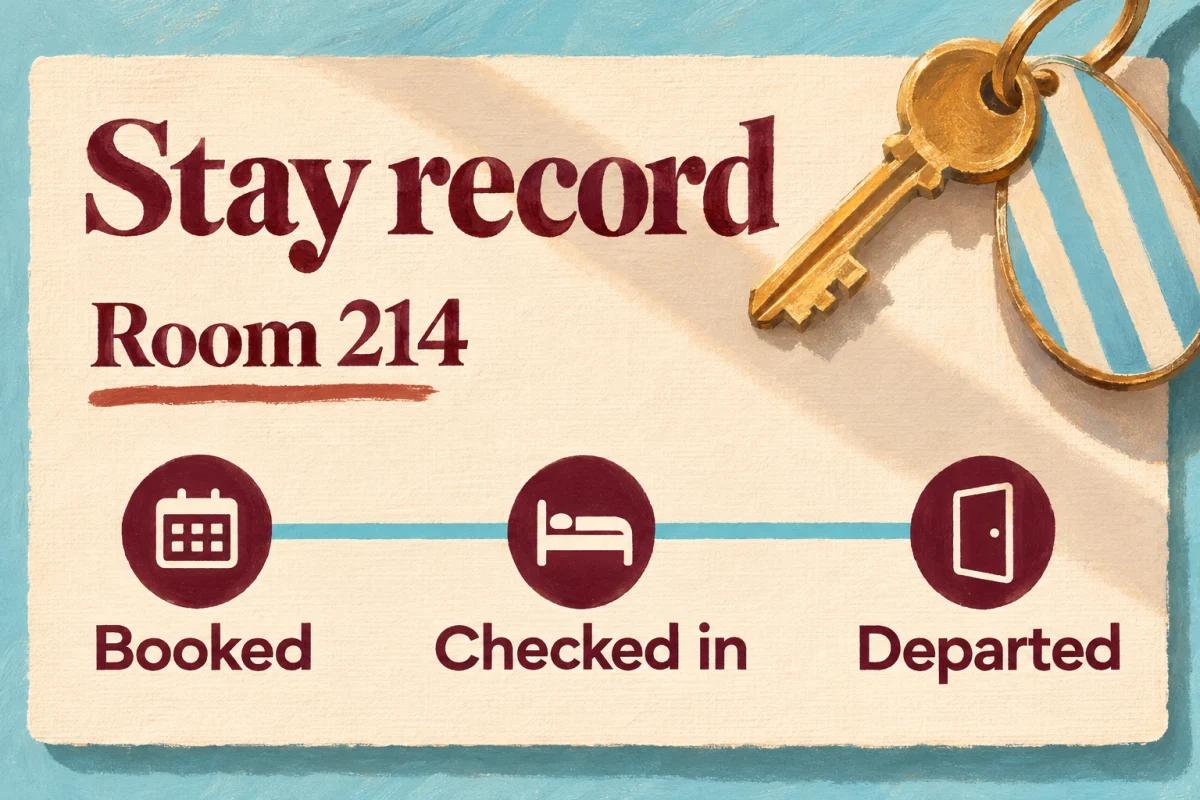
- Property management system
Manage reservations, room assignments, housekeeping, and guest folios from the front desk.
- Payments
Collect deposits and balances, handle refunds, and reconcile payouts against hotel transactions.
- Reporting & business intelligence
Track hotel performance, build reports for each team, and investigate changes in the underlying records.
- Point of sale
Take orders, run table service, and post restaurant purchases to checked-in guests’ folios.
Reservations & distribution
Give each available room a route to the right guest.
- Channel manager
Send room availability, rates, and stay restrictions to connected channels and receive reservations in the PMS.
- Booking engine
Let guests compare rooms, choose a rate, and confirm a reservation directly on your hotel website.
- Distribution partners
Sell rooms through online travel agencies, travel-agent networks, and wholesale distribution.
- Groups & events
Manage room blocks, attendee bookings, and group billing from the quote through the final folio.
Guest experience
Answer the question that comes before the guest reaches the counter.
- Guest messaging and AI chatbot
Bring guest messages into one inbox. Let the chatbot answer routine questions and give staff the booking context for the rest.
- Digital check-in and kiosk
Let guests complete registration on their phone before arrival or use a kiosk in the lobby.
- Guest portal and upsells
Give guests a web portal for stay details, property information, service requests and optional extras.
- Team tickets and housekeeping tasks
Assign service requests, maintenance issues and housekeeping tasks to the team that can complete them.
Revenue & marketing
Connect what a room sells for with how its next guest finds it.
- Revenue management
Set room rates using demand, booking pace, and the prices guests see at comparable hotels.
- Guest marketing CRM
Use guest profiles and stay history to build audiences, send email campaigns, and encourage return visits.
- Digital marketing
Promote your direct rates on hotel search, run multichannel ads, and bring interested visitors back to book.
- Hotel website builder
Publish a property website that connects room, amenity, and offer pages to live direct booking.
- Reputation management
Read guest reviews from connected channels, respond with context, and spot feedback that points to an operational issue.
Intelligence & integrations
Read demand, connect your tools and put hotel data to work.
- Hospitality intelligence
Bring bookings, guest activity, market demand, and channel performance together for AI forecasting and hotel reporting.
- Integration marketplace
Connect specialist tools for restaurant operations, accounting, door access, guest services, and more.
- Open API
Use documented APIs and webhooks to build property workflows around reservations, inventory, and guest data.
- Technology & distribution partnerships
Work with Stayclouds to connect a hospitality app, build a custom integration, or bring a new booking channel to hotels.
From an enquiry to a booked room.
Start with the booking source. The booking engine takes direct reservations on your website. The channel manager connects distribution partners to your inventory. The property management system (PMS) is where reception assigns the room and follows the stay. In a walkthrough, change the date of a direct booking and a channel booking. Look at the room calendar and the original booking source to see which record the team should consult if the dates disagree.
Try this in a walkthrough
Bring a typical booking enquiry and follow it through to an assigned room.
Find the guest at the counter.
A check-in pass helps reception find the booking. The next decision depends on the physical room. Try an early arrival while housekeeping is inspecting the assigned room. Have the clerk find the reservation, check the current room status and explain what happens to the luggage. Then mark the room ready upstairs and check exactly what the clerk sees before handing over a key.
At the front desk
Walk through an arrival with a pass, then try one with just the guest’s name.
Follow the restaurant check.
The restaurant works with tables and open bills. Reception works with stays and folios. Ask a server to post breakfast to Room 214, then have reception find that posting without the server at the counter. Repeat the exercise after a room move. Check how each team identifies the correct guest, what reference links the restaurant bill to the folio, and who deals with a duplicate before departure.
At the restaurant
Ask a server and a clerk to follow the same dinner check all the way to checkout.
Keep track of what goes out.
At a coastal property, a guest might hire a bicycle on arrival and return it at a different counter. Staff can record the issue and return, with the hire charge associated with the folio. Try a late return as well as an ordinary one. Check who records the item coming back, who decides any further charge, and how reception recognises a hire that is still open when the guest wants to settle.
At the rental counter
Pick one item you lend to guests. Trace its booking, handover, return and charge.
Plan for a long weekend across state lines.
Suppose you manage a motel in Albury and another in Wodonga. Check the public holiday dates for New South Wales and Victoria, then look at the reservations already on the books for each property. If twins are filling in Albury while doubles in Wodonga remain available, review each room type before changing a rate across both sites.
After a change, search your own booking engine for the affected dates. Check the displayed price, length-of-stay rule and availability, then repeat the search on a connected channel. Use the exact dates and room type when asking the distribution team about a discrepancy.