Integration marketplace
Connect specialist tools for restaurant operations, accounting, door access, guest services, and more.

Keep a specialist tool and verify its handoff
A hotel keeps the restaurant system its servers already use. During setup, the outlet team tests an authorised room charge with a sample stay. Reception checks the folio while the outlet manager checks the settled restaurant order. They then test a correction and compare the records each team uses to balance the day before enabling the connection across the property. They also confirm which booking reference both teams can use when looking up a room charge.
Compare integrations by the information each one exchanges
Describe the workflow before choosing an app. For a restaurant, it might be finding a checked-in guest and posting a charge. For finance, it might be transferring particular sales and payments to an accounting system. Check which records the connection reads or writes, what setup the property controls and whether you need a specific product version or subscription. Use a sample from each affected location to confirm that room names, revenue categories and other mapped values arrive in the form each team needs.
Browse by the job you need to do
Explore integrations by category, including accounting, point of sale, guest messaging, access control, and business intelligence.
Check what each connection does
Review the data the connection uses, the actions it supports, and the requirements for your property. Confirm the workflow with the team that owns it.
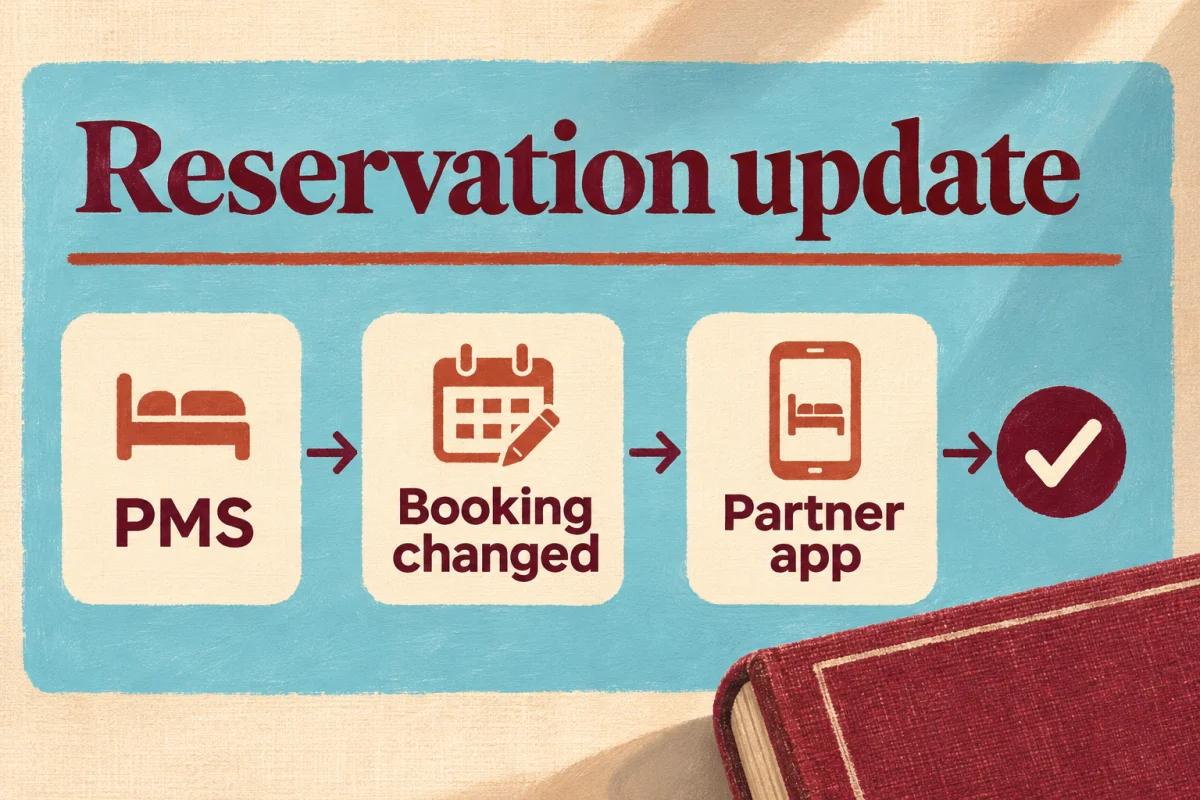
Connect and review property access
Authorise a supported app for the relevant property and check the connection after setup. Review connected apps when responsibilities or vendors change.
Who handles a hotel integration when the records disagree?
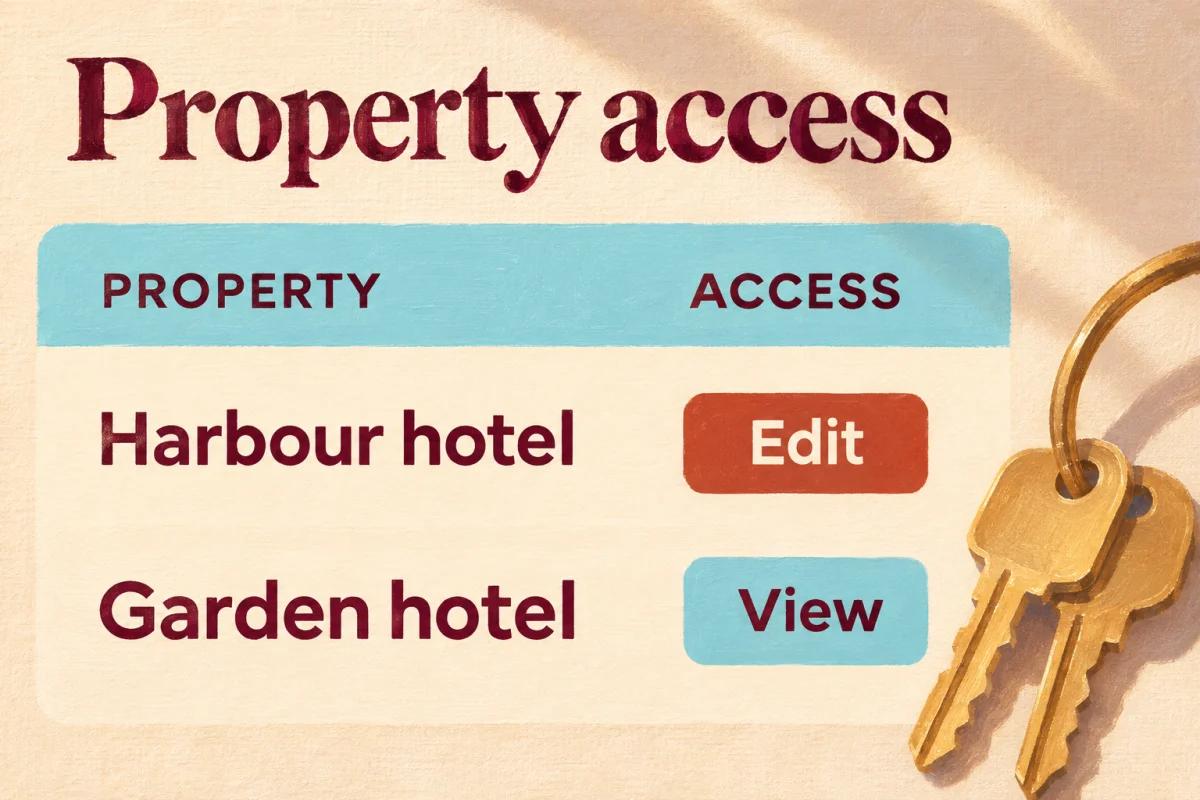
Walk through a charge, export or access update that fails after the source system has recorded it. Ask what staff can see in each system, whether they can safely retry the action and which vendor handles support for that step. If you manage multiple hotels, check which properties and data the connection can access and who can change its permissions. Record the test results for finance, reception or operations so staff know where to start when an exception occurs.
Alongside this workflow
- Hospitality intelligence
Bring bookings, guest activity, market demand, and channel performance together for AI forecasting and hotel reporting.
- Open API
Use documented APIs and webhooks to build property workflows around reservations, inventory, and guest data.
- Technology & distribution partnerships
Work with Stayclouds to connect a hospitality app, build a custom integration, or bring a new booking channel to hotels.