Hospitality intelligence
Bring bookings, guest activity, market demand, and channel performance together for AI forecasting and hotel reporting.

Use a forecast to decide which hotel dates need attention
A small hotel group expects a busy school holiday. Its properties are filling at different rates, and one is behind pace for two midweek nights. The manager checks pickup, lead time and recent cancellations to see whether the weakness is specific to those dates. They brief revenue on remaining inventory and ask marketing to review a campaign that could reach guests able to travel midweek.
Compare the forecast with what is already on the books
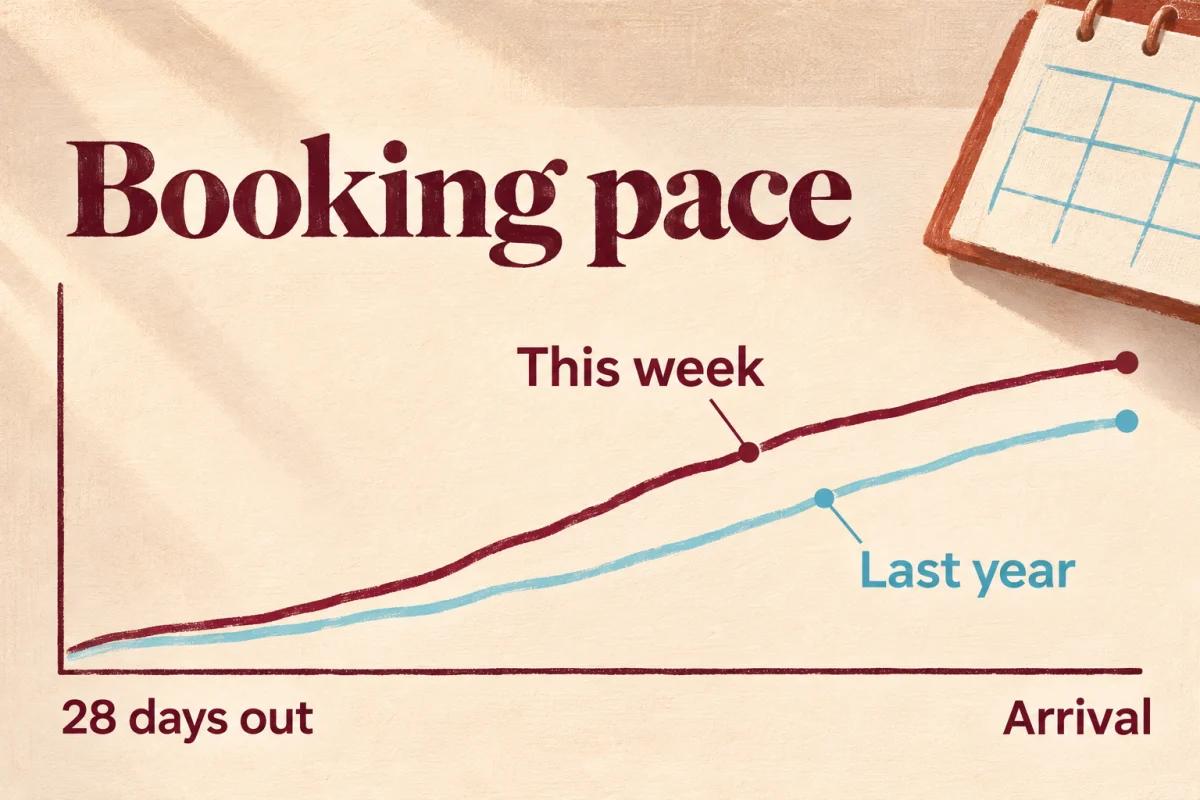
Begin with confirmed rooms and current availability, then look at the expected occupancy and room revenue for the stay dates you manage. Check which property and market signals explain a gap, such as slowing pickup, higher cancellations or a change in competitor rates. For a portfolio review, compare the relevant booking window and room inventory across properties. Put dates that need a decision on the agenda for reservations, revenue or marketing and check the forecast again after bookings have had time to move.
Forecast demand from property and market data
Use reservations, cancellations, lead times, competitor rates, and local events to forecast occupancy and room revenue. Review the drivers when the outlook changes.
Compare performance across properties
See occupancy, average daily rate, room revenue, and revenue per available room from a common set of records. Filter by date, booking source, property, or room type.
See where the forecast calls for action
Use forecast gaps to find dates for a rate review or guest campaign. Follow how new bookings change the outlook as the stay date approaches.
How should the team review a forecast for an unusual date?
Choose a date affected by an event change, newly opened stock or a large group still holding rooms. Ask which inputs reflect that change, when the forecast last updated and what the team can inspect before acting on the projection. Compare the current forecast with realised occupancy from a previous date that had a similar pattern. Use the results to discuss where local knowledge adds context, especially when limited historical data makes a forecast more uncertain.
Alongside this workflow
- Integration marketplace
Connect specialist tools for restaurant operations, accounting, door access, guest services, and more.
- Open API
Use documented APIs and webhooks to build property workflows around reservations, inventory, and guest data.
- Technology & distribution partnerships
Work with Stayclouds to connect a hospitality app, build a custom integration, or bring a new booking channel to hotels.