Check what changes at each property
An implementation review for access, payment handling and location-specific workflows.

What should be verified separately at each hotel?
Log the property’s operating currency, payment methods, payout arrangements, business-date settings and who approves changes. Mark each item with its test result and owner. If two locations use the same setup, run a test at both with the roles and connections that will actually go live. A common configuration can still produce different outputs when the local payment or reporting setup differs.
Who needs access to guest and payment records?
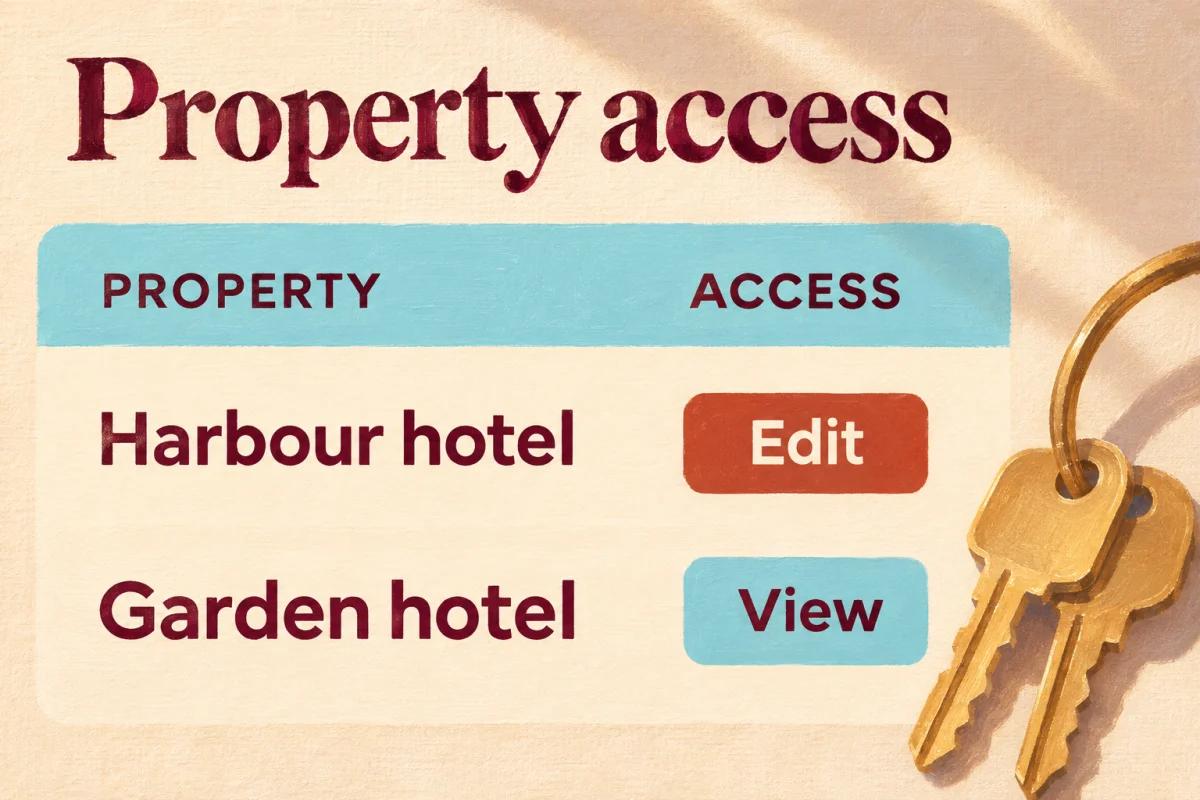
Map which roles need to read or change reservations, see guest registration details, issue refunds or export reports. Test routine work with a regular shift account as well as an administrator account. Confirm that a user assigned to one property sees the records for that property under the agreed access rules. Name the owner of each connection account and who removes access when a role changes.
How can a sample booking test payments and reports?
Take a training booking through a deposit, partial refund and final folio. For example, a $120 test deposit followed by a $30 refund should leave $90 applied before any further charges or payments. Finance can compare the folio and the configured reporting output using the payment and refund references. Check totals in the configured currency and agree how the team will trace payouts that arrive on a different date.
Who confirms the local requirements?
Ask the people responsible for local compliance and accounting to check the applicable invoice, guest registration, tourism reporting and retention requirements for each location. Use made-up guest details to test the agreed fields and exports. Save what was reviewed, which property it applied to, and who accepted the output. Give any rejected export an owner and a retest date.
What should the shift do when a tool is unavailable?
Rehearse a temporary process with an authorised lead. Decide where to record a booking or room charge, what details staff may record there and who enters the items when service returns. Give the next shift a count of outstanding entries with enough references to reconcile each one. During the recovery test, verify both the entries that need to be added and any that already reached the live system.