Booking engine
Let guests compare rooms, choose a rate, and confirm a reservation directly on your hotel website.

Let guests book the rate they compare on your website
A guest opens a country inn’s website on their phone. They enter the dates and number of guests, then compare what is included in a flexible rate and an advance purchase rate for the same room. They choose the flexible rate and add breakfast. When they call to ask about arrival, the desk can open the direct reservation and see the room, rate and extra they selected.
Test the booking journey from a specific offer
Start from a package page, choose the link a guest would use and search for the advertised dates. Check that the intended room and rate appear alongside any stay requirements. On a phone, walk through occupancy, extras, payment conditions and the final amount. Book once with the offer code and once with a regular rate. Confirm what lands on the PMS calendar and what appears in the guest confirmation. If reservations handles changes by phone, have the team use the same test bookings to practise explaining each rate’s terms.
Live rooms and rates on your site
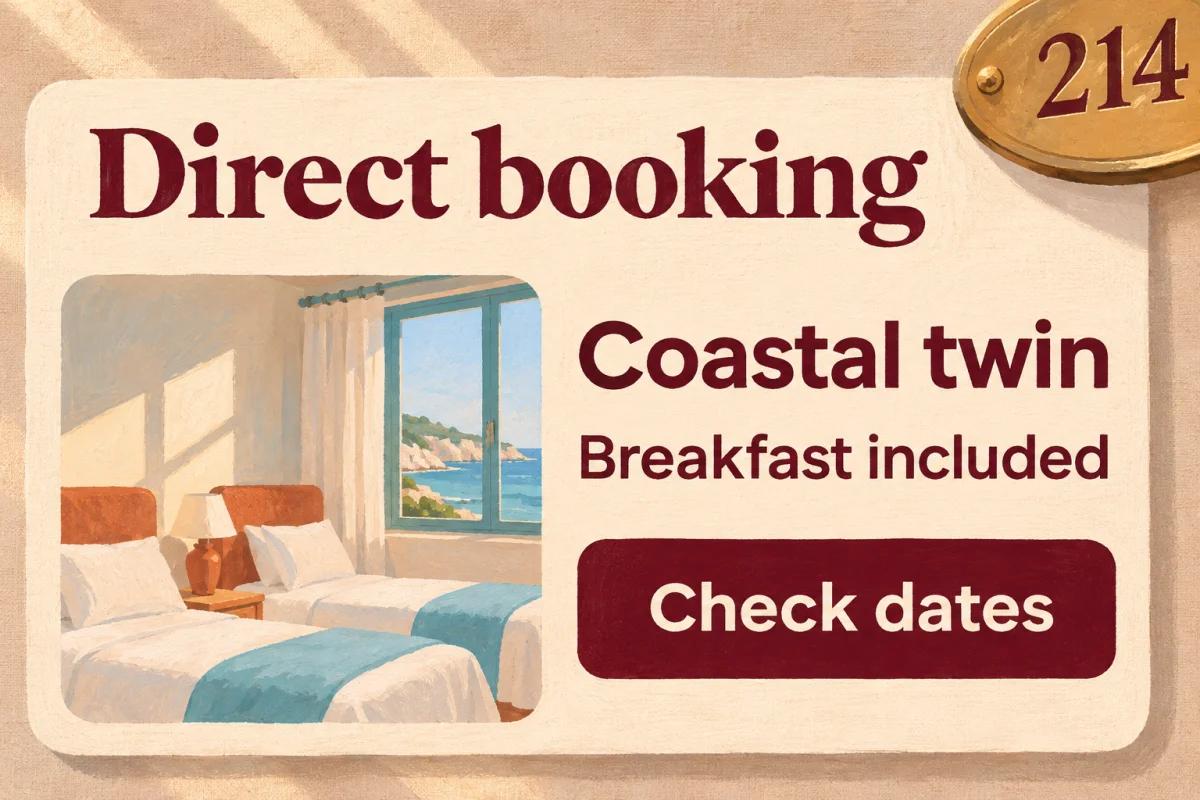
Show open dates, room photos, occupancy limits, and rate terms in a booking flow branded for your property. Guests can complete the reservation on their phone or computer.
Offers guests can book
Set up promotional codes, rate plans, and extras such as breakfast or parking. Guests see what they selected and the total before confirming.
Confirmation and reservation handoff
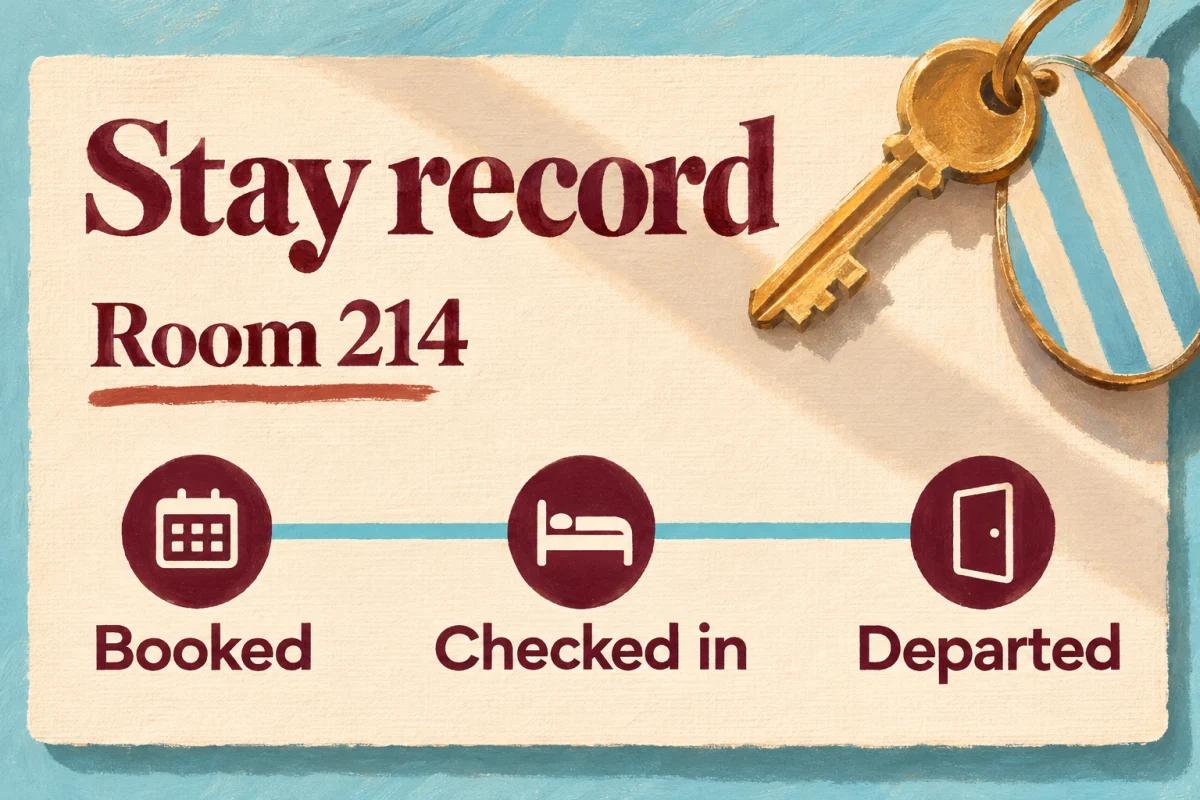
Collect guest details and any deposit your rate requires. Send confirmation to the guest and add the booking to the PMS calendar.
Can the booking engine explain why a room is unavailable?
Try a sold-out night, a two-night minimum stay and a search for more guests than the room can hold. Watch what the guest sees and whether it is clear how to search for a different date, stay length or room type. Test an expired promotional code as well. Before publishing a new offer, confirm that staff can find the resulting booking and answer questions about deposits, breakfast and cancellation terms from what the guest received.
Alongside this workflow
- Channel manager
Send room availability, rates, and stay restrictions to connected channels and receive reservations in the PMS.
- Distribution partners
Sell rooms through online travel agencies, travel-agent networks, and wholesale distribution.
- Groups & events
Manage room blocks, attendee bookings, and group billing from the quote through the final folio.