Channel manager
Send room availability, rates, and stay restrictions to connected channels and receive reservations in the PMS.

Sell scarce room inventory from the same availability
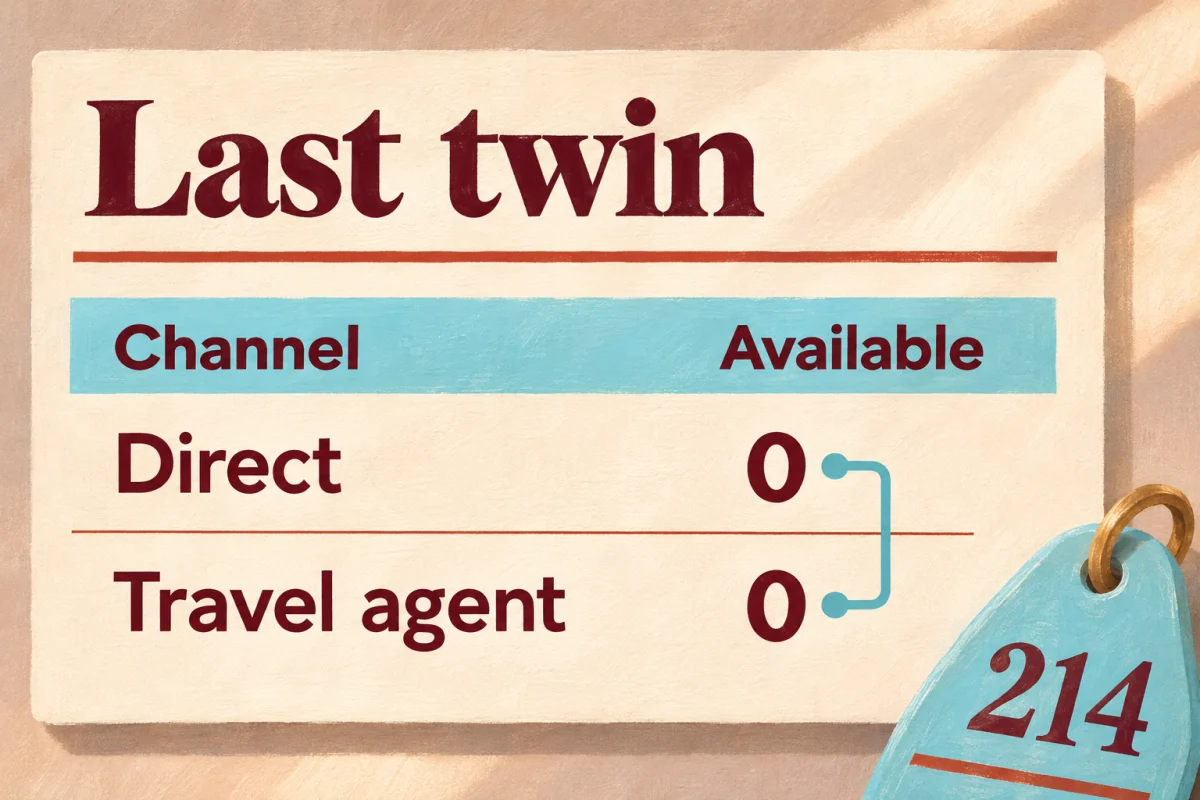
A double sells through an online travel agency (OTA) during a festival weekend. The booking reaches the property management system and the availability update goes to connected channels and the direct booking site. Later that day a cancellation reopens another double. The reservations team checks the shared inventory and verifies what guests actually see on a connected channel for those dates before promoting the room.
Map room types, rate plans and restrictions before going live
Work through a single room type with reservations and revenue staff. Match the channel’s room name to the room inventory, then match each flexible or prepaid rate to the intended rate plan. Pick a high-demand weekend and send one price change and a minimum-stay rule. Check the dates and pricing on each connected channel from the guest’s side. Then make a test reservation, move it by a day and cancel it. Compare the dates, source and inventory in the PMS with the channel at each step.
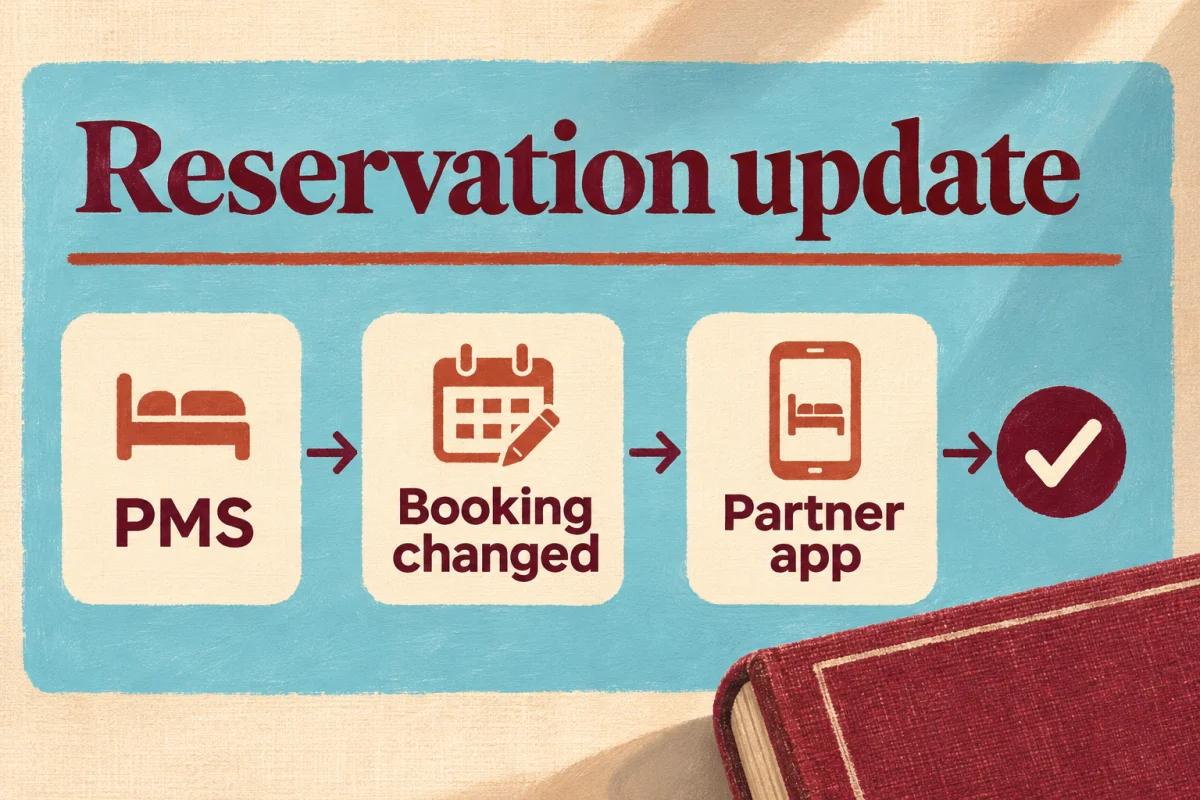
Shared availability
Connect each channel’s room types to the corresponding inventory in Stayclouds. Availability updates as bookings, changes, and cancellations reach the PMS.
Rate and restriction updates
Map channel rate plans to the right room and rate. Publish supported controls such as minimum stays and stop-sells for the dates you choose.
Reservations at the front desk
Receive channel bookings in the PMS with their source attached. The desk can work from the booking while managers track where reservations came from.
How will the team spot a failed update?
Ask what staff can see if a channel rejects a rate, treats a restriction differently or cannot receive an inventory update. Check how they can identify the affected room type, rate and date range. Agree who decides whether to pause sales for those dates, who verifies the guest-facing listing after a correction and where staff can confirm that the revised update reached the channel. If your property sells through several channels, repeat the checks for each connection you rely on.
Alongside this workflow
- Booking engine
Let guests compare rooms, choose a rate, and confirm a reservation directly on your hotel website.
- Distribution partners
Sell rooms through online travel agencies, travel-agent networks, and wholesale distribution.
- Groups & events
Manage room blocks, attendee bookings, and group billing from the quote through the final folio.