Property management system
Manage reservations, room assignments, housekeeping, and guest folios from the front desk.

Assign rooms as housekeeping releases them
At a 32-room coastal hotel, two guests arrive before check-in while the departing coach group is still loading luggage. Reception filters the arrivals by room type and sees that housekeeping has released one twin. The clerk assigns it to an early arrival whose booking calls for twin beds. Housekeeping can prioritise the second twin for the next guest while the desk confirms where to store their bags.
Check the room calendar before extending a stay
When a guest asks to add a night, open their reservation and look at the assigned room across the extra date. A room may be occupied by the current guest and already allocated to someone else tomorrow. If the same room is unavailable, compare alternatives in the booked room type before offering a move. Once the guest confirms, update the stay dates and check that the room assignment, rate and expected departure all reflect the change. The next shift can then use the revised arrival and departure lists to plan handover.
Reservations and the room calendar
Create bookings, move a guest to another room, or extend a stay from the calendar. See which rooms are occupied, assigned, or blocked before making a change.
Arrivals, departures, and room readiness
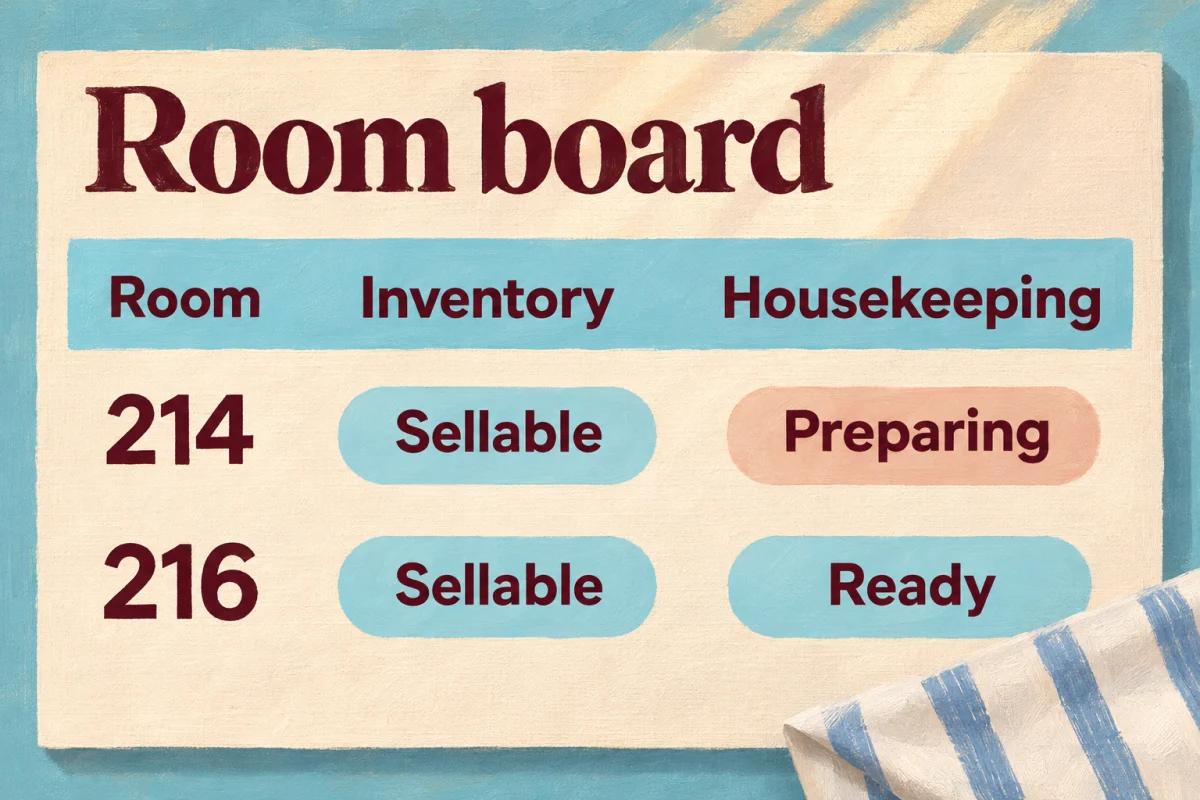
Review incoming and departing guests by shift. Housekeeping updates the room condition so the front desk can see when a room is ready for the next guest.
Folio review at checkout
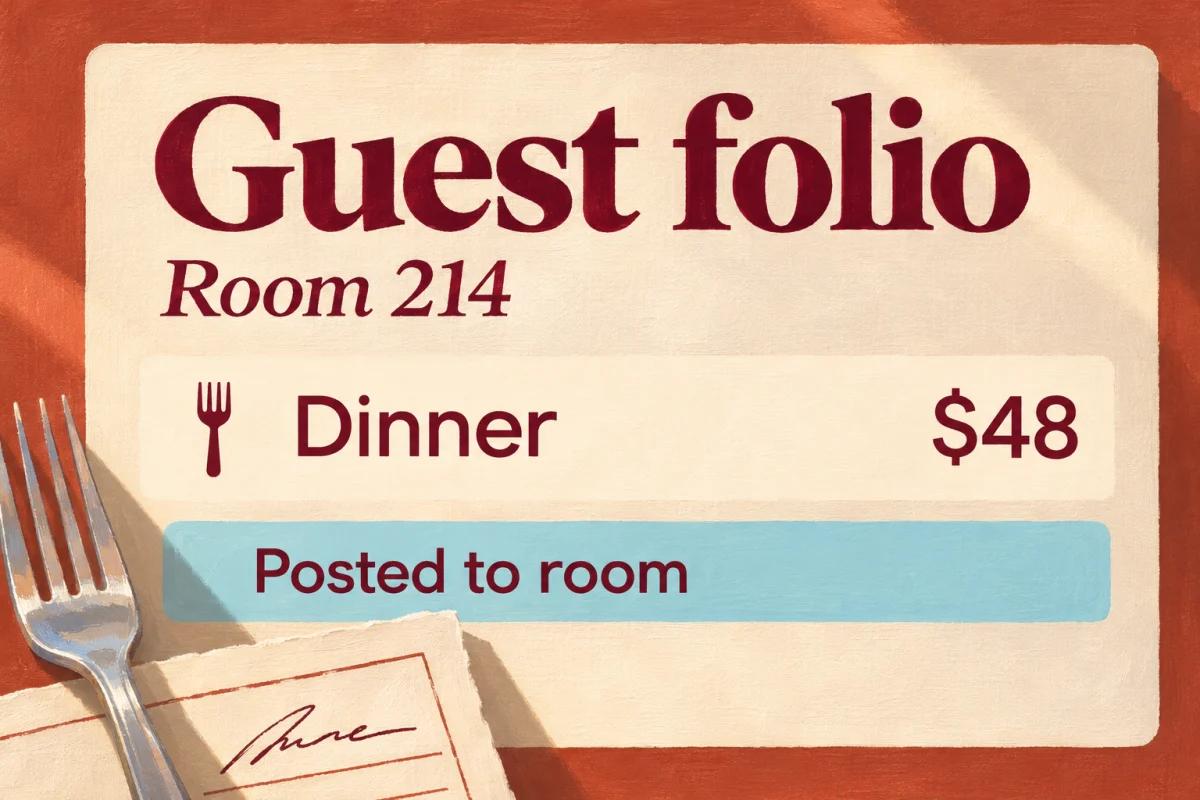
Review lodging, restaurant charges, deposits, and adjustments on the booking. Resolve outstanding items and share the guest’s final bill.
How does a room move affect the guest’s bill?
Ask to see a room move after a charge has already been posted. Start with a supported scenario from your property, such as an air-conditioning fault that sends a guest to another room at the same rate. Check whether the original lodging charges and deposit are visible under the same reservation, what the restaurant sees when posting a new room charge, and how housekeeping gets the vacated room back for inspection. At checkout the desk should be able to explain each line on the final folio.
Alongside this workflow
- Payments
Collect deposits and balances, handle refunds, and reconcile payouts against hotel transactions.
- Reporting & business intelligence
Track hotel performance, build reports for each team, and investigate changes in the underlying records.
- Point of sale
Take orders, run table service, and post restaurant purchases to checked-in guests’ folios.