Reporting & business intelligence
Track hotel performance, build reports for each team, and investigate changes in the underlying records.

Trace a change in occupancy to the reservations behind it
On Monday, a city hotel expects a busy Friday. At Wednesday’s revenue meeting, the manager sees fewer rooms on the books for that night. A pickup report by source shows that most of the change comes from cancellations within one group. The manager checks the underlying reservation records and can then discuss releasing held inventory and reopening the appropriate rates.
Choose the date that answers the question
For occupancy and average daily rate (ADR), work by the nights guests stay. To see whether a promotion moved demand, look at when reservations were made and which future stay dates they cover. For a payment reconciliation, start with transaction and payout dates. Use the same room revenue and available-room definitions each time you compare revenue per available room (RevPAR). A saved view can carry those choices into the next weekly meeting, so that changes in the numbers are easier to trace to changes in hotel business.
Daily and forward-looking hotel reports
Review arrivals, departures, occupancy, average daily rate, revenue per available room, and booking pace. Compare periods to see how upcoming nights are filling.
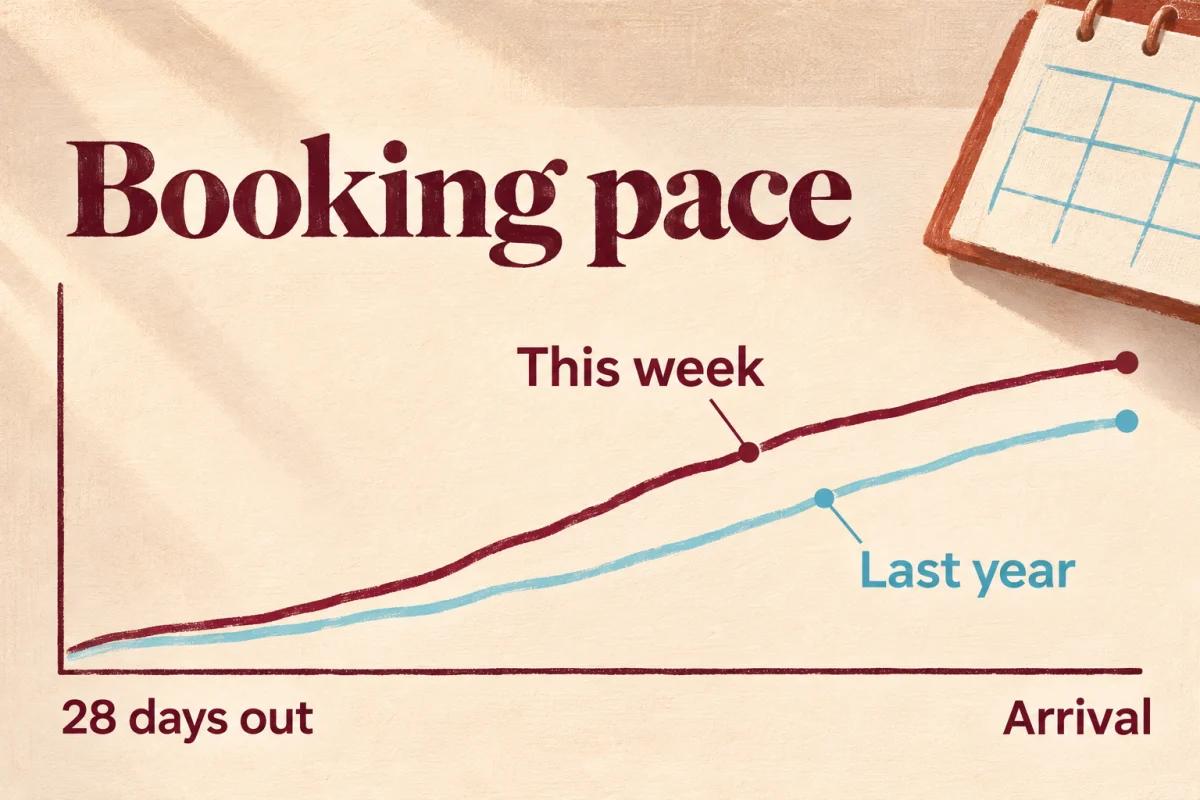
Reports for the question at hand
Choose fields, filters, and grouping for reports on reservations, revenue, or payments. Save the views your team uses and schedule them for regular review.
Portfolio views with record-level detail
Compare properties using the same reporting definitions. Drill from a total into the reservations or transactions behind it and export the data for further analysis.
What should a multi-property report count as available?
Run a comparison that includes a hotel with rooms out of order and one operating its full inventory. Ask how the report treats blocked rooms and whether the occupancy denominator follows the definition your group uses. Do the same with packages that include breakfast and check which amounts contribute to room revenue. Before distributing a portfolio dashboard, pick a date and reconcile the totals for one property first. Test whether its manager can open or export the underlying records needed to explain a discrepancy.
Alongside this workflow
- Property management system
Manage reservations, room assignments, housekeeping, and guest folios from the front desk.
- Payments
Collect deposits and balances, handle refunds, and reconcile payouts against hotel transactions.
- Point of sale
Take orders, run table service, and post restaurant purchases to checked-in guests’ folios.