Decide which system owns each reservation change
Map booking, payment and guest updates across connected tools, then test the handoffs with property staff.

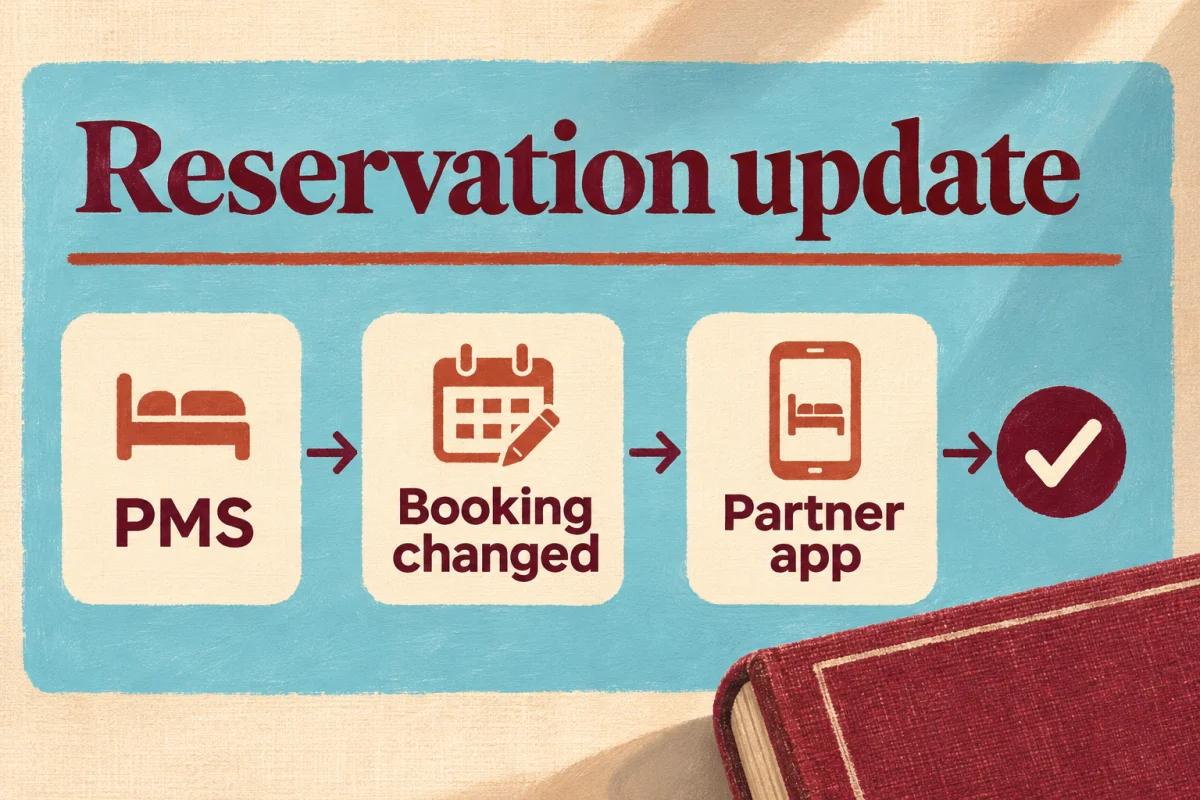
Map who writes each part of the reservation
List the systems that create bookings or change dates, room allocation, guest details and payment status. For each field, record which system owns the update and how the others reference the reservation. Use a booking created by an OTA and modified by the desk as a test. Confirm where staff should make a correction and what they will see if a connected tool receives the updated booking later.
Check what the integration does when an update fails
Use the marketplace listing or API documentation to confirm supported operations and how delivery or polling works. Then simulate a temporary service interruption using test reservations. Reconcile a delayed cancellation and make sure a replayed booking or charge produces the intended final state. Ask what identifiers, statuses and timestamps are available to help staff reconcile discrepancies and how the support team wants a failed update reported.
Scope access by property and job
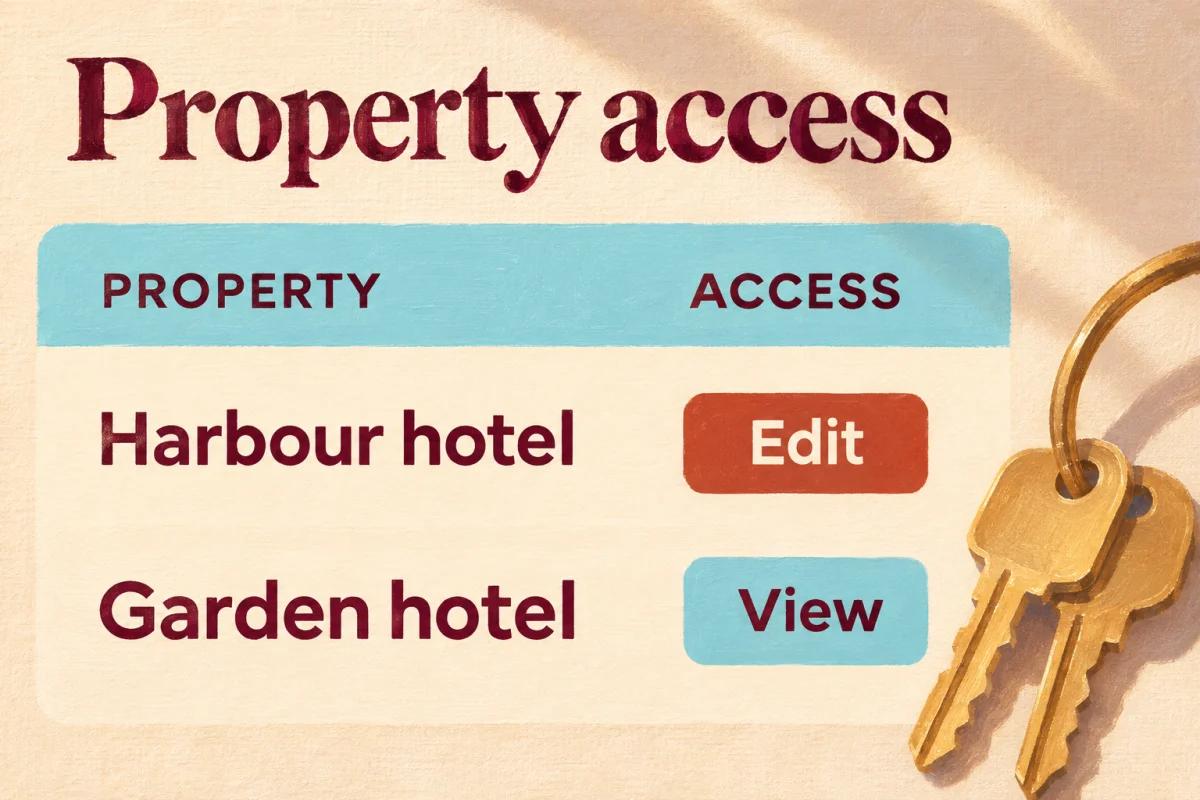
Create a test receptionist, group analyst and integration account and check which property records and administrative screens they can access. Rehearse an employee changing sites and a contractor finishing their engagement. Confirm who can grant and revoke access, what audit information can be retrieved and how integration credentials are rotated. Limit guest and payment data shared with each connected tool to what its workflow requires.
Validate the highest-risk mappings before cutover
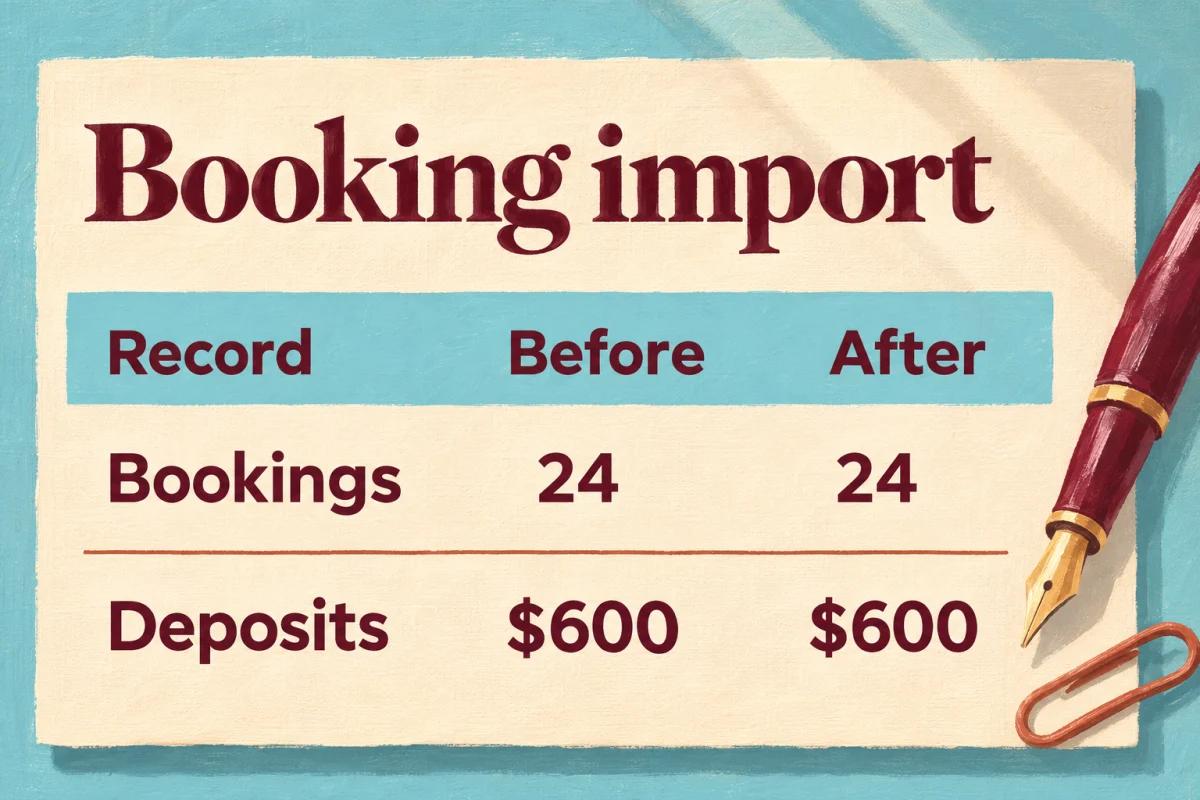
Select bookings with similar room codes, overlapping stay dates and different deposit arrangements across properties. Run a reservation, amendment and cancellation through each critical connection. Compare room types, rates, balances and business dates before changing live inventory. Agree when each system stops or starts accepting updates, who checks for bookings arriving during that window and how the front desk looks up the arrivals it needs.
Give operations a recovery procedure they can use
Start with a scenario that staff recognise, such as a channel cancellation arriving after the desk allocates the room. Decide which team checks the original reservation, which can reopen or hold inventory and who contacts the integration partner. Ask what records can be exported if access is interrupted and how manual changes can be reconciled when the connection returns. Assign a property contact for each handoff.
Stayclouds products for these workflows
- Integration marketplace
Connect specialist tools for restaurant operations, accounting, door access, guest services, and more.
- Open API
Use documented APIs and webhooks to build property workflows around reservations, inventory, and guest data.
- Technology & distribution partnerships
Work with Stayclouds to connect a hospitality app, build a custom integration, or bring a new booking channel to hotels.