Guest marketing CRM
Use guest profiles and stay history to build audiences, send email campaigns, and encourage return visits.

Send return offers to guests with a relevant stay history
A country hotel has rooms available for a quiet winter weekend. The team creates a dining package and selects guests who stayed in a past winter and opted into marketing. The email describes the dates and what dinner includes, and links to the direct booking page for the package. After the send, the team checks which recipients clicked and which bookings can be attributed to the campaign.
Build a segment from the offer backwards
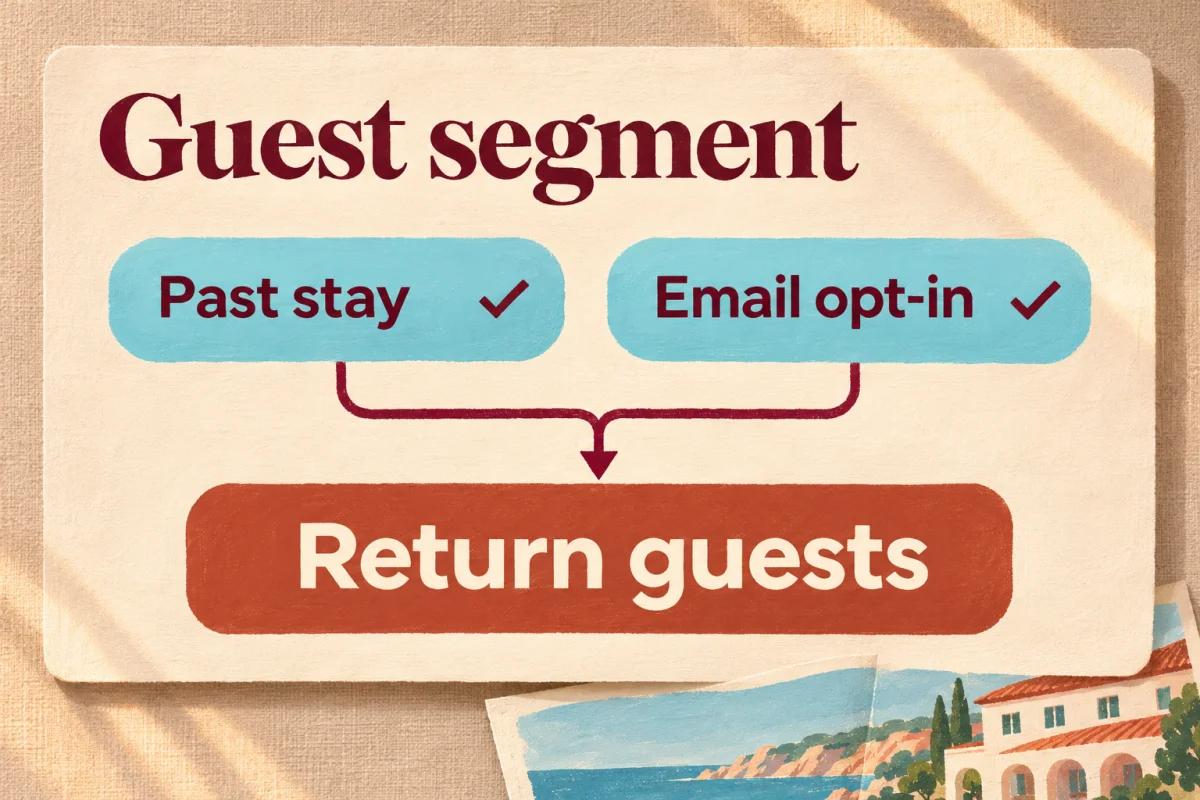
Choose the stay dates, package and booking link before choosing the audience. Past midweek guests might suit a weekday offer while previous family bookings might be more relevant to a school holiday package. Review contact permissions alongside booking history and check a sample of the segment before scheduling. Send a preview to staff and follow the link on a phone to check the dates, rate and inclusions. Review delivered emails, clicks and reservations so the next offer can build on what guests actually did.
Build on the stay record
See a guest’s visits, booking details, preferences, and contact permissions in one profile. Give reception and marketing a shared view of the relationship.
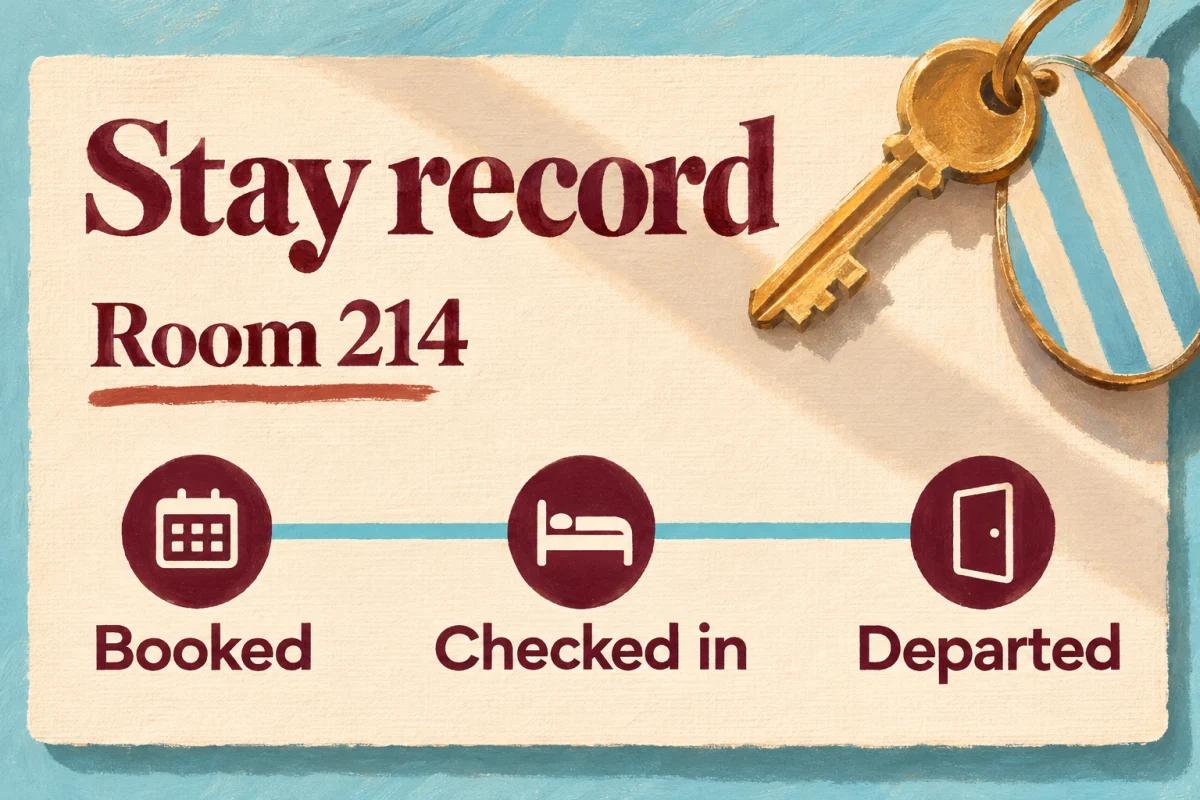
Choose who should receive the offer
Group eligible guests by stay dates, booking source, or visit history. Save a segment to reuse when a similar promotion comes around.
Create and measure email campaigns
Adapt templates and AI-assisted drafts to the property’s voice, then preview and schedule the send. Review delivery, clicks, and bookings to inform the next campaign.
What happens when a repeat guest has more than one profile?
Ask how the hotel can recognise a returning guest who used one email when booking direct and different details through a third party. Check what staff can review before combining or correcting records and which contact permission the campaign uses. Try a sample guest who has opted out and a profile with an address that should be used only for the reservation. The marketing team should be able to explain why a contact appeared in a proposed audience before the send is approved.
Alongside this workflow
- Revenue management
Set room rates using demand, booking pace, and the prices guests see at comparable hotels.
- Digital marketing
Promote your direct rates on hotel search, run multichannel ads, and bring interested visitors back to book.
- Hotel website builder
Publish a property website that connects room, amenity, and offer pages to live direct booking.