Revenue management
Set room rates using demand, booking pace, and the prices guests see at comparable hotels.
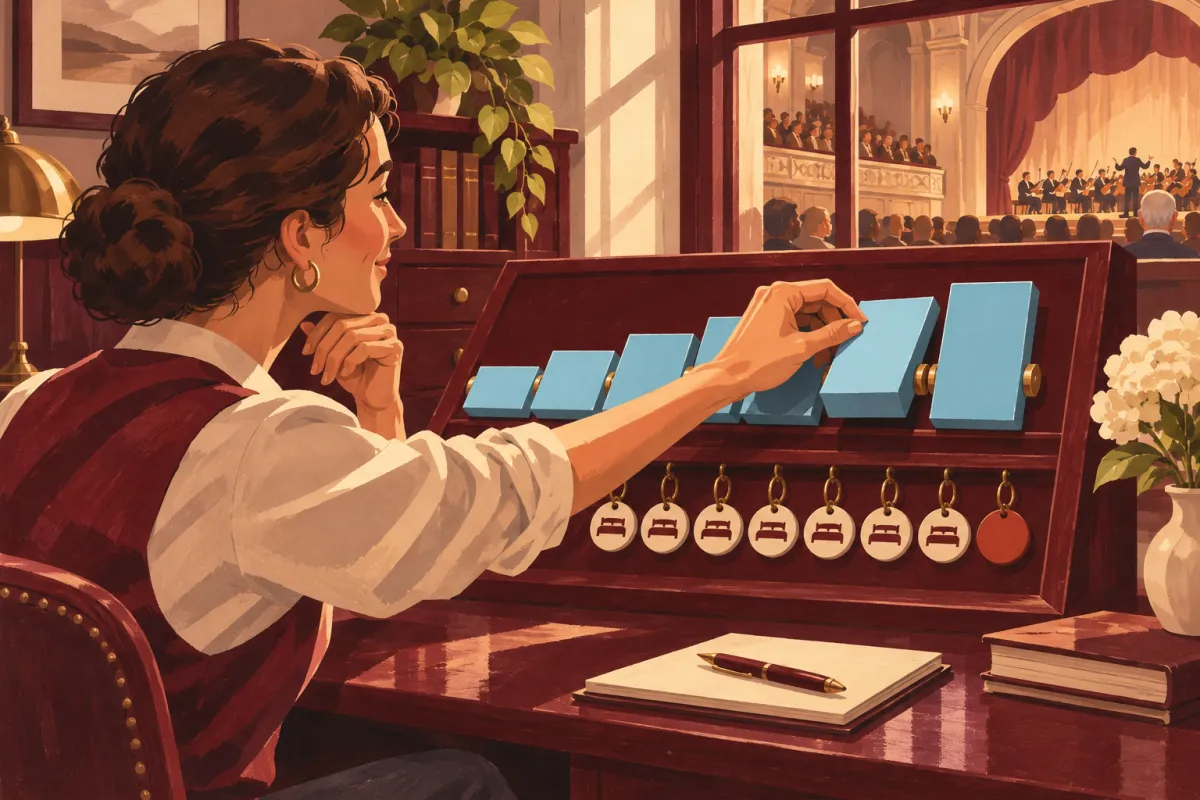
Price the remaining rooms for each night
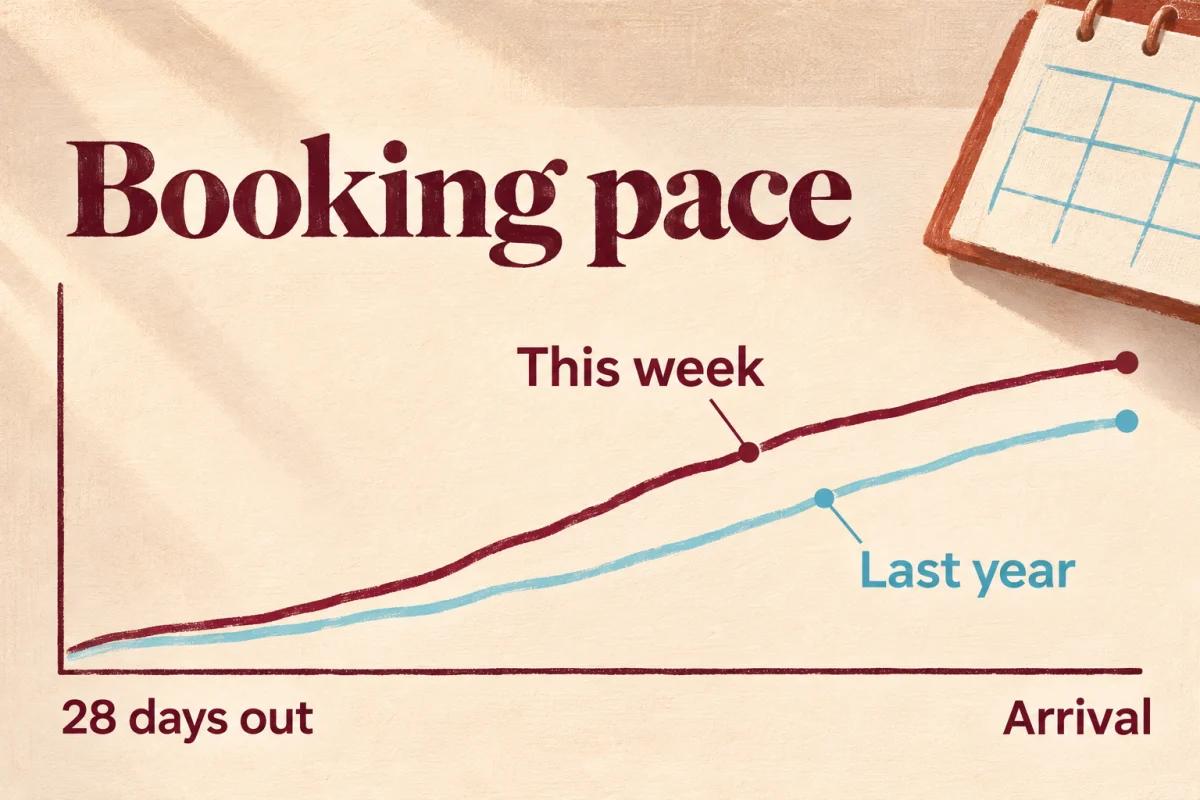
At an airport hotel, Friday has nearly sold out while Thursday is behind its usual pace. The manager checks the suggested rates and sees that Friday’s demand is concentrated in the last few suites. They increase the Friday suite rate, then check whether a lower rate on selected Thursday rooms still fits the property’s floor. Before publishing, they check which room types and downstream rate plans would change.
Set pricing rules before acting on recommendations
Review occupancy and pickup by stay date and room type. Compare rates for similar room and cancellation terms before interpreting a competitor’s price. Set a floor and ceiling that reflect the property’s commercial plan, then review the intended relationship between room types. Keep negotiated rates and special dates in mind when deciding which rates to manage manually. After approving a change, check the actual offer in the direct booking engine and connected channels for both an ordinary night and a date with a restriction.
Review dates that need a decision
See current and recommended rates by room type alongside occupancy, pickup, and competitor prices. Read the reasons for a rate change before approving it.
Set limits before automating
Define floors, ceilings, and room-type price relationships. Lock dates you want to manage yourself and let the system update eligible rates within the limits you set.
Send approved rates to channels
Accept or edit a recommendation on the rate calendar. Publish the update through the property management system and channel manager so connected channels sell at the intended rate.
When should a hotel override a rate recommendation?
Try a date with unusual demand, such as a local event that has just moved or a group that has released an unfilled block. Look at what the system knows about bookings and available rooms, then add what sales and reservations know about the event or group. Ask how a manager can lock a date or limit automation while the picture changes. In a demonstration, confirm that a manual change is visible to the next person who reviews the hotel’s rates.
Alongside this workflow
- Guest marketing CRM
Use guest profiles and stay history to build audiences, send email campaigns, and encourage return visits.
- Digital marketing
Promote your direct rates on hotel search, run multichannel ads, and bring interested visitors back to book.
- Hotel website builder
Publish a property website that connects room, amenity, and offer pages to live direct booking.