Hotel website builder
Publish a property website that connects room, amenity, and offer pages to live direct booking.

Connect each room page to the next booking decision
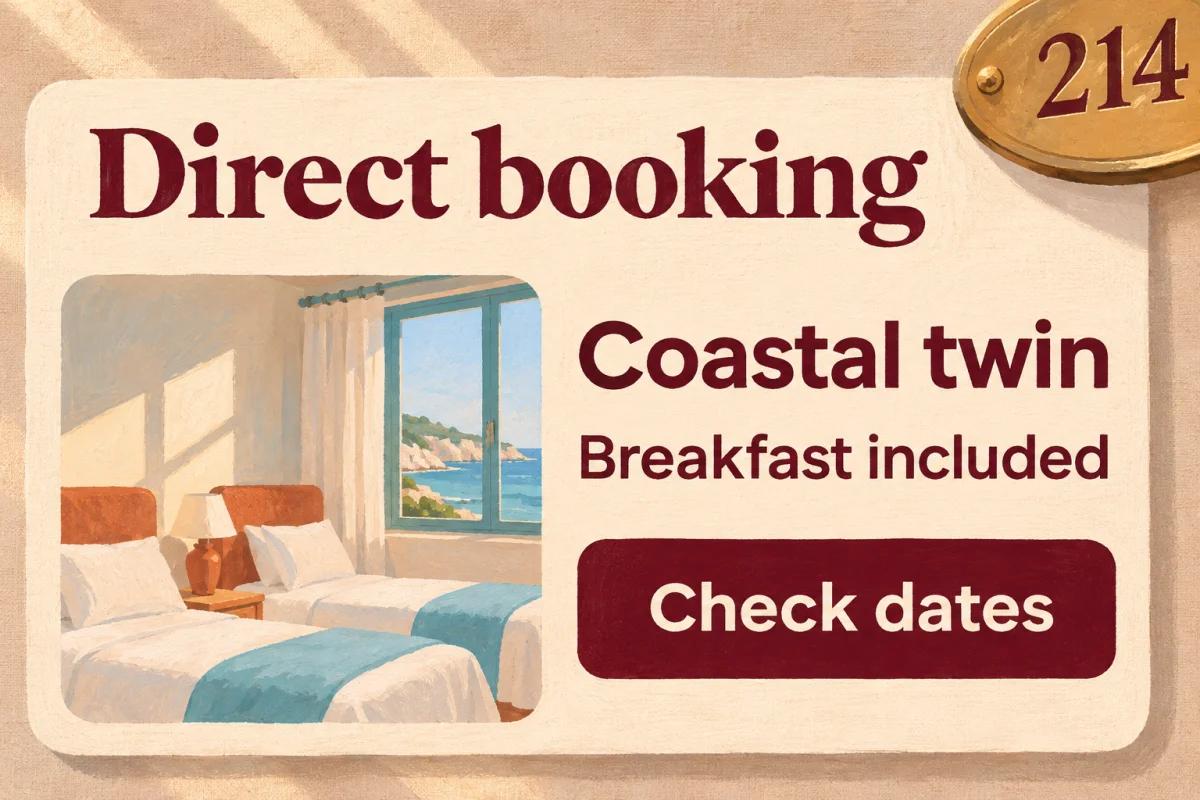
A small inn builds a page for its garden rooms using actual photographs, bed configurations and a description of the path from reception. Guests can check dates from the page. When both garden rooms sell out for an event weekend, the booking engine reflects live availability and guests can look for other rooms or dates. The inn can leave the room description in place for travellers planning a different stay.
Give guests the details they need to choose a room
Start with the questions reservations staff hear before people book. Give each room type its own description with bedding, occupancy and details like lifts or steps where those affect the choice. Add property pages for facilities, getting there and packages the team intends to sell. Review the pages on a phone as well as a desktop and follow each booking button. From an offer page, check that the booking journey makes sense for the advertised dates and includes the current terms.
Build pages around the property
Start from a hotel template, then edit room pages, galleries, packages, and local information. Preview the layout at phone and desktop sizes before publishing.
Connect the booking engine
Put live rates and availability a step away from room and offer pages. Carry booking actions into the same direct reservation flow.
Maintain content as the property changes
Update menus, seasonal details, and offers without changing code. Use AI assistance for drafts, translations, search descriptions, and image alt text, then review before publishing.
What should a hotel check before replacing its website?
List the room and offer pages guests already find through search or links, then check how those URLs will be handled when the new site goes live. Have reservations review room details, contact information, amenities and booking links before publishing. Ask who can update time-sensitive details after launch and how previews are checked before changes are visible to guests. Test a regular room search and a sold-out date from the same room page so staff know how to answer questions about availability.
Alongside this workflow
- Revenue management
Set room rates using demand, booking pace, and the prices guests see at comparable hotels.
- Guest marketing CRM
Use guest profiles and stay history to build audiences, send email campaigns, and encourage return visits.
- Digital marketing
Promote your direct rates on hotel search, run multichannel ads, and bring interested visitors back to book.