Manage dorm beds and private rooms in one hostel
Sell the right bed or room across connected channels and give the desk clear assignments for groups, walk-ins and late arrivals.
Set the unit guests actually book
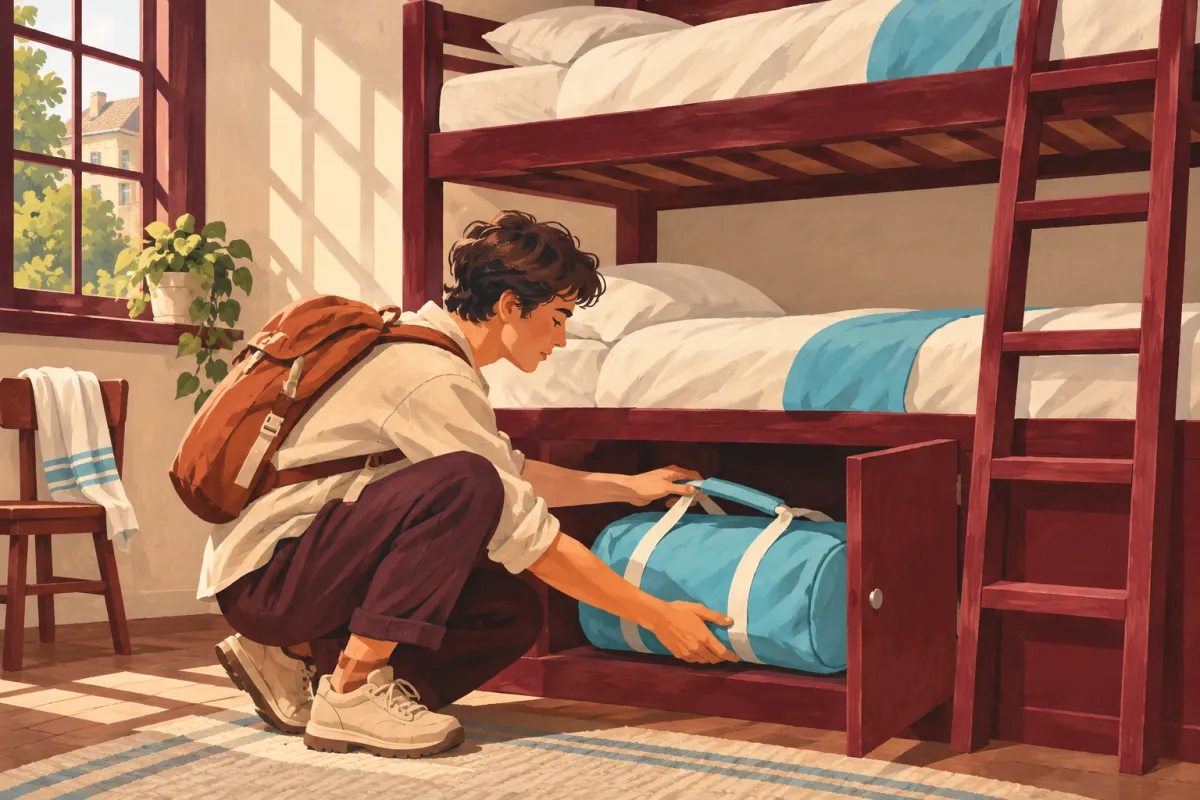
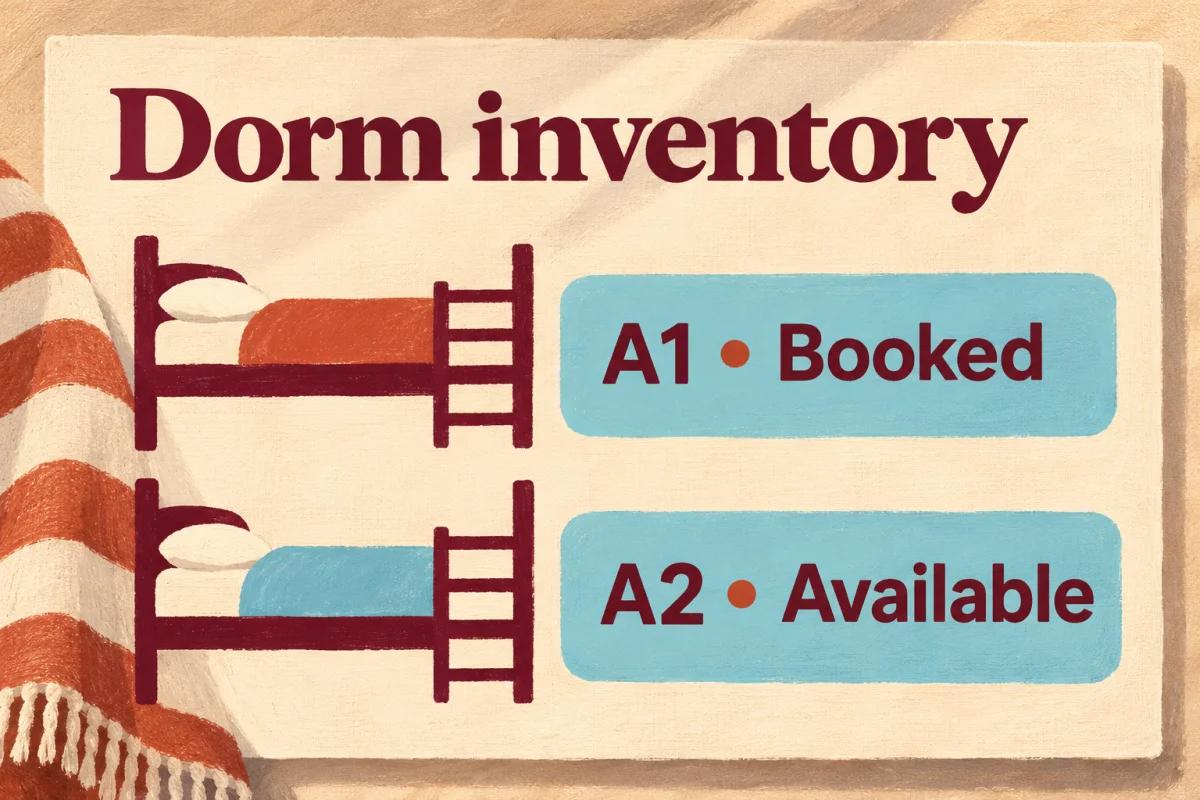
Set shared dorms up by bed and private rooms by room. If you sometimes sell an entire dorm to a group, demonstrate what happens to its individual beds when the group takes the room. Ask which inventory models the system and each connected channel support. Check how you would block a damaged bunk while continuing to sell the other beds, and verify that the desk can see the specific bunk still out of service.
Allocate groups across their full stay
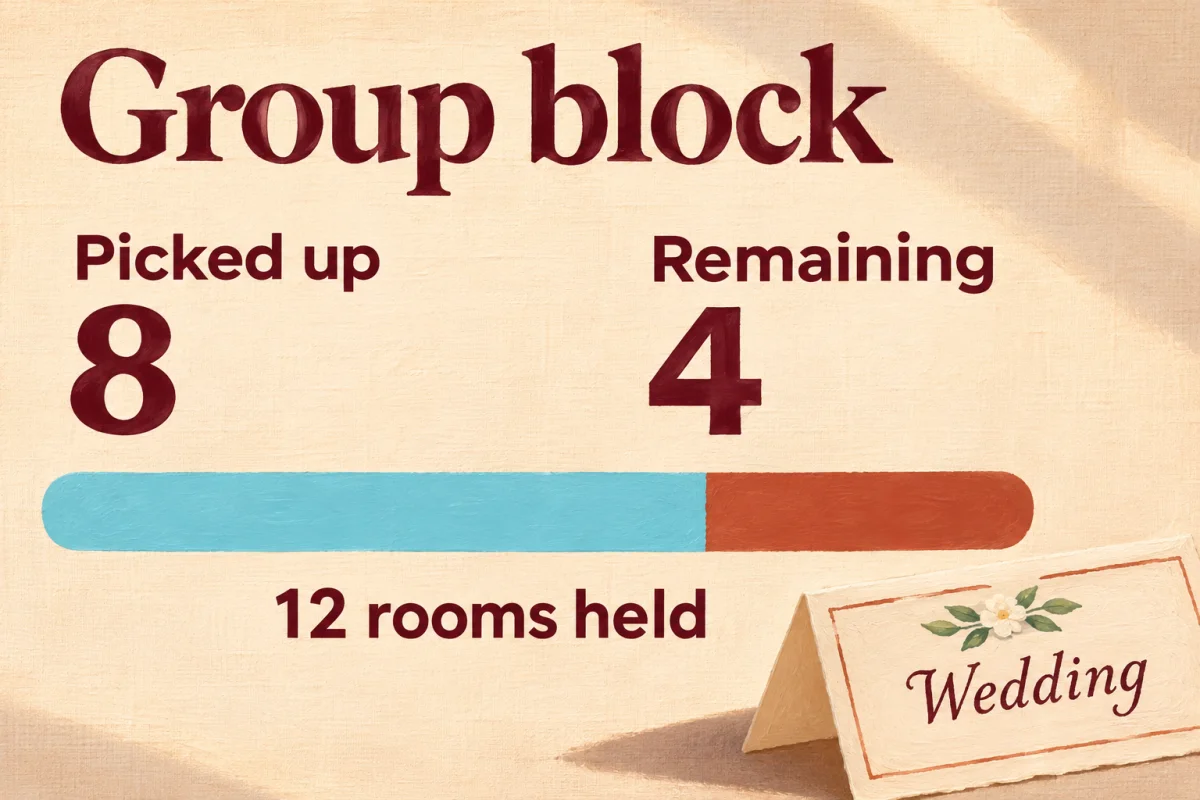
Try a surf group of nine arriving in two waves, with an eight-bed dorm and limited space in the next dorm. Review which travellers are staying on each night and allocate named guests or held spaces before arrival. Include a person joining a day late and another leaving early. Check when unused beds return to sale, who can release a group hold and how overnight reception identifies guests who have yet to arrive.
Check the differences between channel room types
Map any gender-specific dorms, mixed dorms and private rooms to their corresponding listings. Book the last available bed on a connected channel and verify what remains bookable on the hostel’s own website. Modify the booking and review the new assignment and inventory across the full date range. Train reception on how to flag a mismatch before taking a phone booking or walk-in for that night.
Keep bed moves visible at the shift handover
Move a guest from a top to a bottom bunk mid-stay and have the next shift pick up the change. Check which bed the guest now occupies and whether the old bed needs cleaning before reuse. If the guest needs a replacement key or locker assignment, give the next clerk a clear action. Review how the move affects a later booking already allocated to that bunk.
Choose reporting that answers bed and room questions
Ask to see bed occupancy for the dorms and room occupancy for the private stock for the same weekend. A full private room can account for one booking even when several people stay in it. Decide which measure informs staffing, pricing or capacity before comparing reports. Include an out-of-service bed and a group buyout in the example so you can see how each is represented in availability and reporting.
Stayclouds products for these workflows
- Property management system
Manage reservations, room assignments, housekeeping, and guest folios from the front desk.
- Channel manager
Send room availability, rates, and stay restrictions to connected channels and receive reservations in the PMS.
- Groups & events
Manage room blocks, attendee bookings, and group billing from the quote through the final folio.