Hotel management software for independent hotels
Coordinate reservations, room readiness, distribution and guest folios from booking to departure.

Start with one reservation from booking to departure
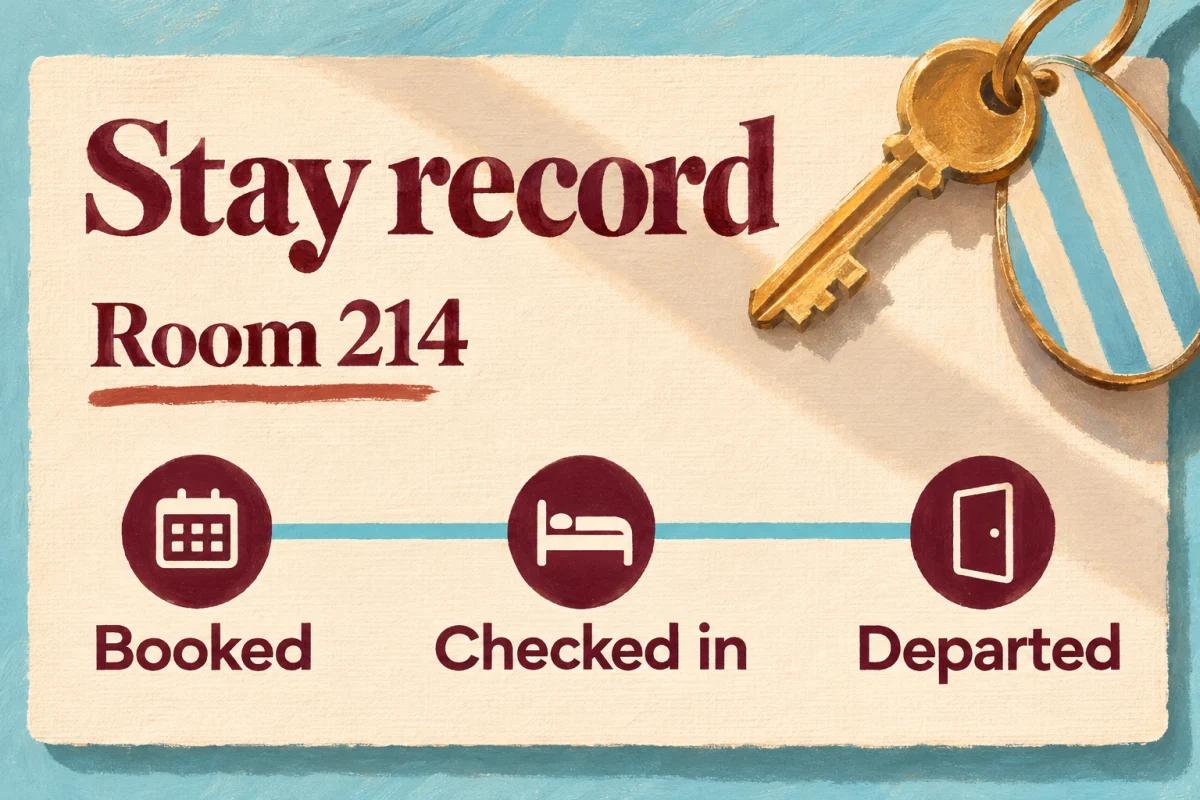
Use the property management system (PMS) to follow a booking through room allocation, arrival, charging and checkout. In a demo, take a Saturday booking from an online travel agency (OTA), extend it by one night and move the guest from a king to a twin. Ask reception to find the change and housekeeping to identify which room needs service. Check that the folio still belongs to the same stay.
Keep sellable rooms and ready rooms distinct
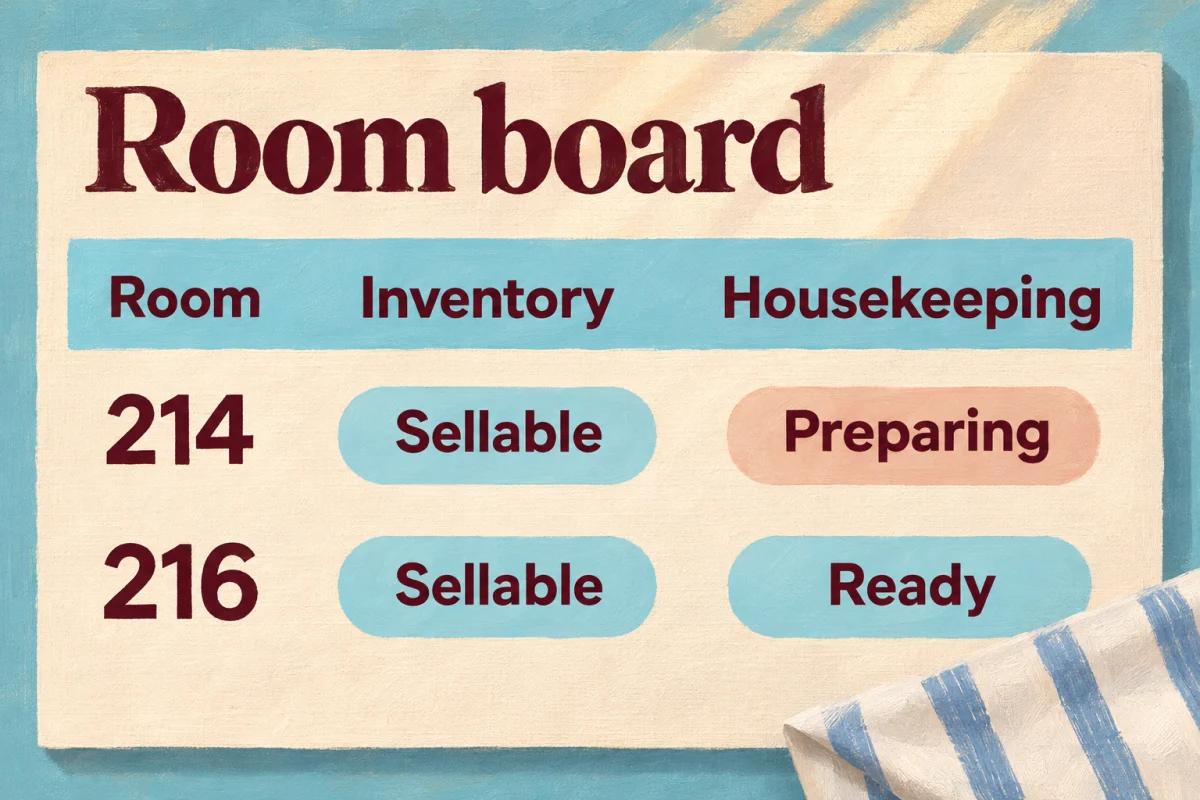
Ask reception and housekeeping to work through a sold-out Friday with four early arrivals and a room taken out of service. Housekeeping needs to flag the rooms it has finished and reception needs to see which are ready to occupy. The person responsible for distribution needs to check whether the maintenance block affects rooms available to sell. Agree who releases the block once maintenance completes the repair.
Check how dinner reaches the guest folio
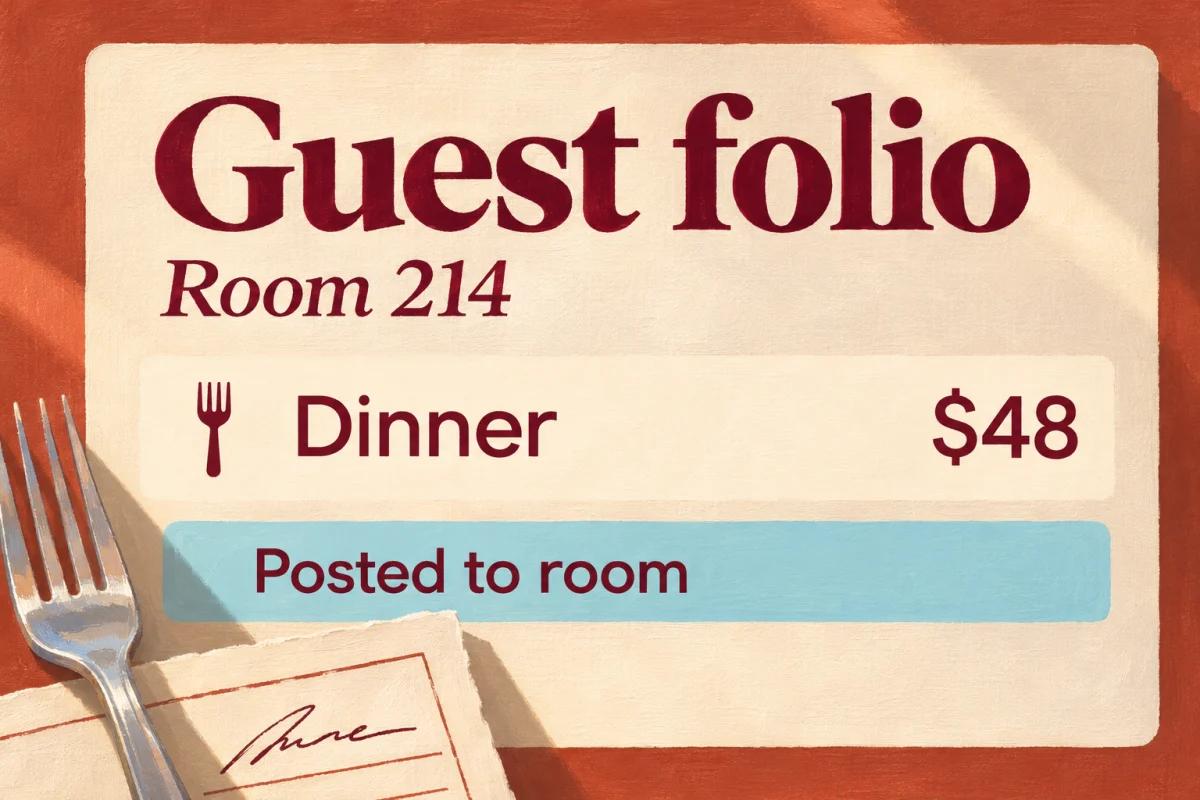
Run a restaurant charge to a room where two guests share a surname, then move one guest before the charge is posted. Confirm how staff match the charge to the active stay, what receipt detail appears at checkout and who can correct an error. If you use a separate restaurant till, demonstrate the handoff with your actual point-of-sale system and confirm what happens when it loses its connection.
Test the dates where channel mapping matters
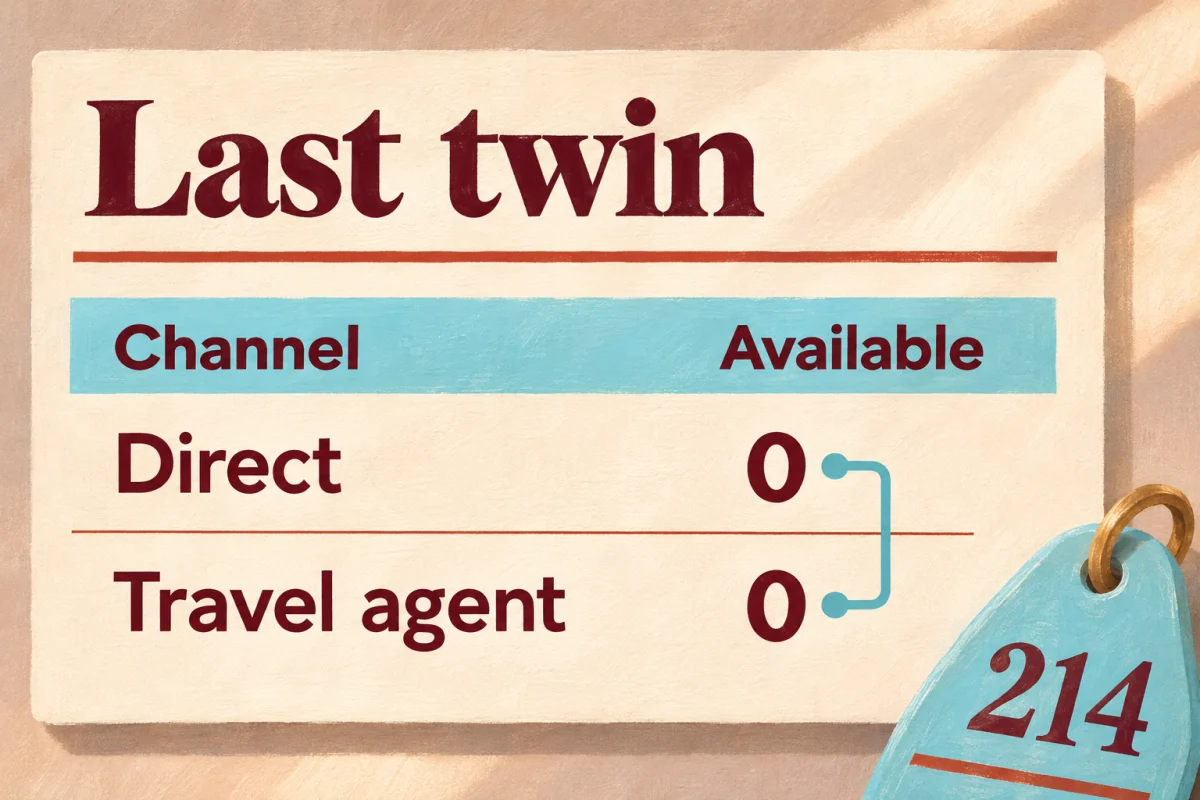
Map one room type and its direct, flexible OTA and prepaid OTA rates. Make a test reservation, modify the dates, then cancel it. Compare available rooms and rate restrictions on each connected channel after every step. When you sell the last twin, check what staff see on the channel manager and how they can tell if an update is still pending. Assign someone to investigate a rejected update.
Bring real bookings into the cutover rehearsal
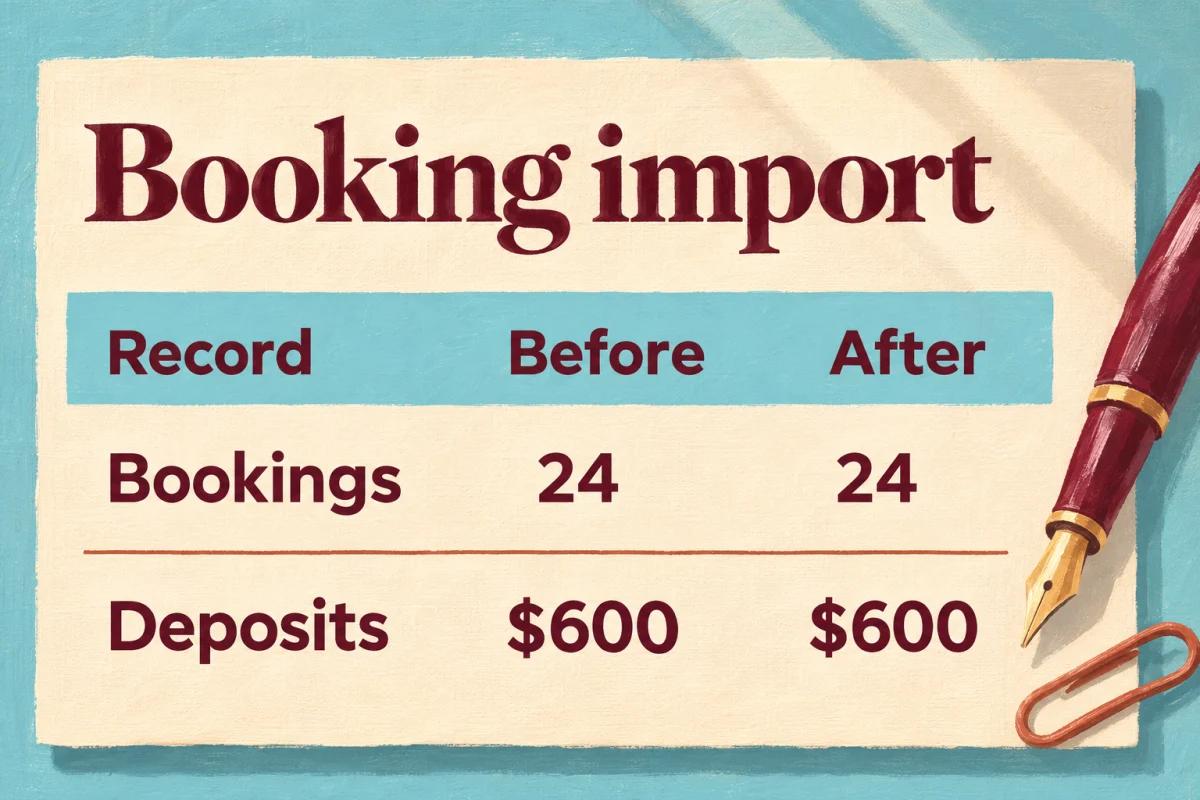
Include a deposit already paid, an in-house guest with an open folio and a future group reservation. Confirm which information can be imported and which records the team will need to transfer or consult separately. Before changing live inventory, agree who signs off on upcoming bookings, balances and channel mappings. Give the duty manager a way to look up a reservation if a guest arrives during the switch.
Stayclouds products for these workflows
- Property management system
Manage reservations, room assignments, housekeeping, and guest folios from the front desk.
- Point of sale
Take orders, run table service, and post restaurant purchases to checked-in guests’ folios.
- Channel manager
Send room availability, rates, and stay restrictions to connected channels and receive reservations in the PMS.