Digital check-in and kiosk
Let guests complete registration on their phone before arrival or use a kiosk in the lobby.

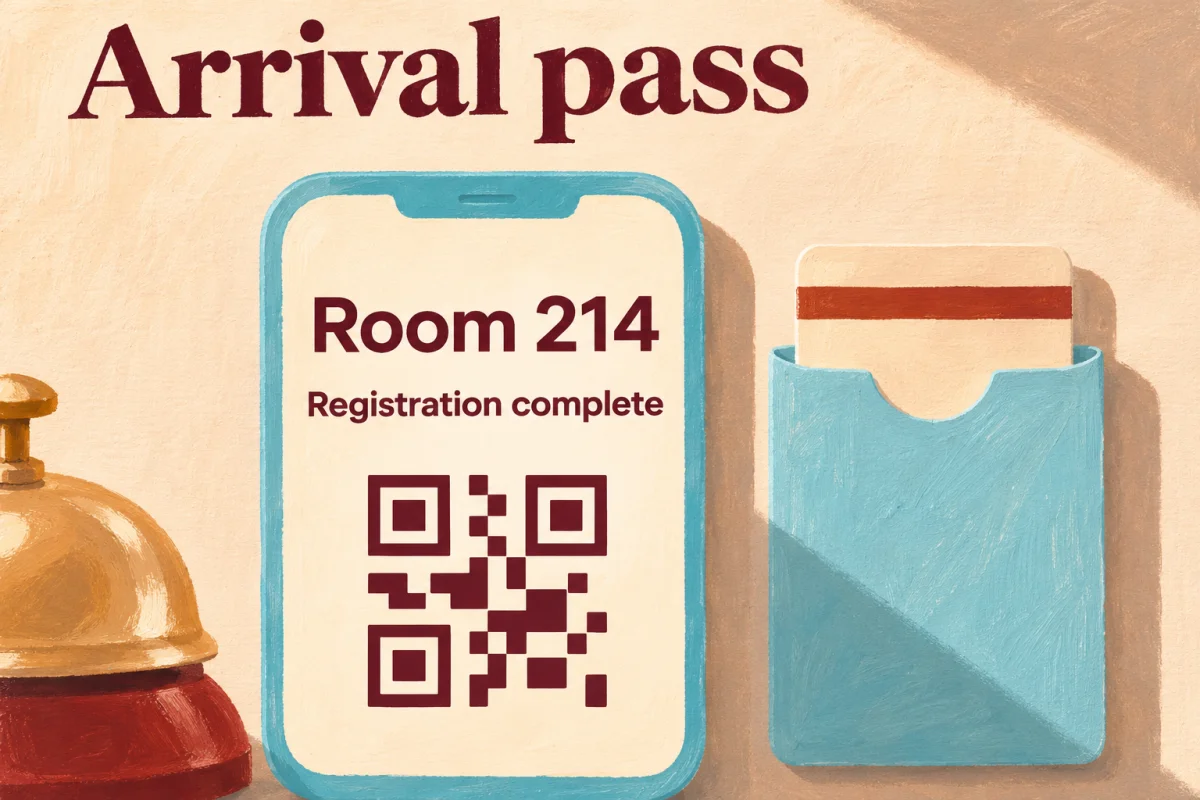
Collect registration before handing over a key
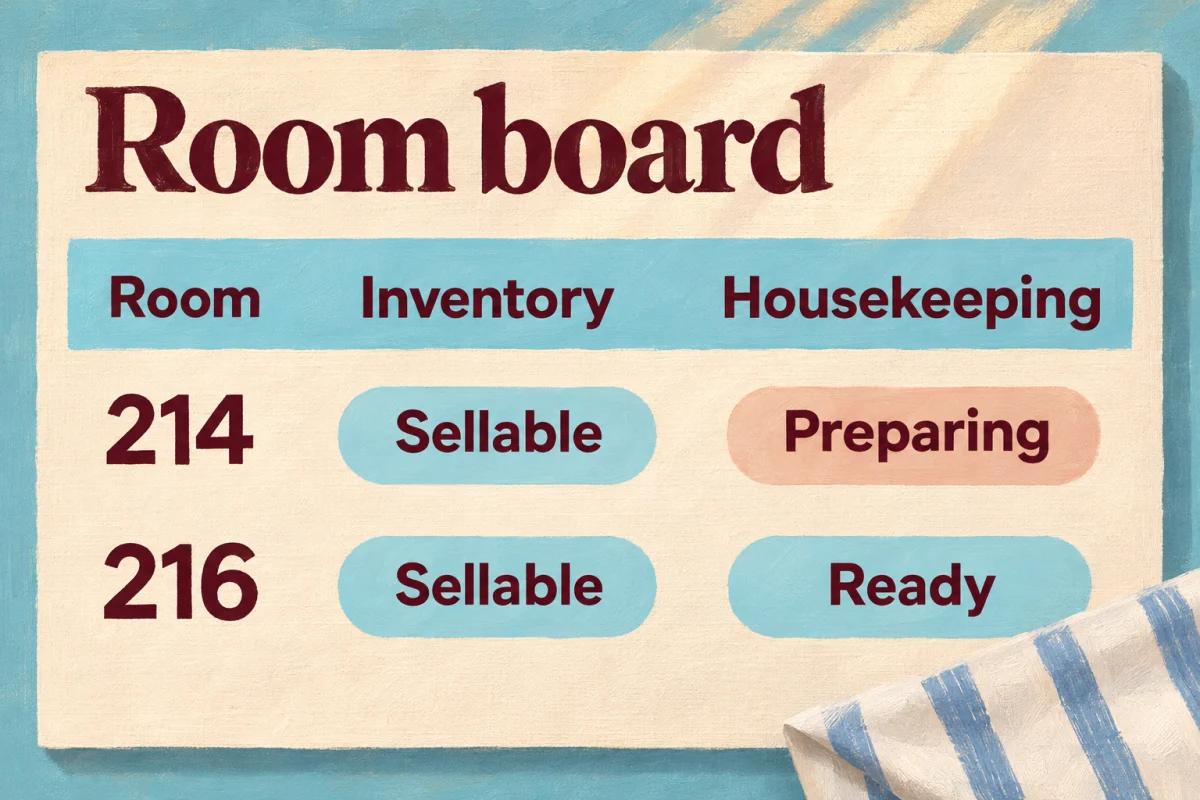
At a conference hotel, a guest completes registration on their phone while travelling to the property. Their booking is visible when reception checks the submission, but housekeeping is still turning the room over. The clerk offers to store their bag and completes the arrival after the room is released. Meanwhile, another guest uses the lobby kiosk to begin registration, with staff on hand if the reservation details need a closer look.
Choose which check-in steps guests can complete themselves
Write down what your desk does for a routine arrival. Separate the details and signature the guest can provide in advance from the decisions that need current information, such as room assignment and readiness. Test the form on a phone and run the same booking through the lobby kiosk. Ask reception what it sees when one guest finishes registration and another abandons halfway through. Decide who checks any information that cannot be confirmed online and how a guest with two rooms should work through the process.
Pre-arrival registration
Send guests a link to the registration form. Collect the details and signature your property requires, then review the submission with the reservation.
Self-service in the lobby
Give walk-up arrivals a kiosk option to find their booking and work through the configured check-in steps. Reception can help guests who need assistance.
A readiness check before arrival is complete
Use the room’s housekeeping status in the digital check-in flow. A completed registration can remain on file while housekeeping finishes preparing the room.
What happens when a guest cannot use digital check-in?
Try an arrival whose confirmation email is unavailable, a booking made under a different name and a guest who wants reception’s help. Check how staff locate the booking and resume the arrival with the information already collected. Then run a busy-day example in which an early guest has registered and no room is ready. Check that the desk can distinguish the completed form from a completed arrival, so staff know when to give directions, store bags or finish check-in.
Alongside this workflow
- Guest messaging and AI chatbot
Bring guest messages into one inbox. Let the chatbot answer routine questions and give staff the booking context for the rest.
- Guest portal and upsells
Give guests a web portal for stay details, property information, service requests and optional extras.
- Team tickets and housekeeping tasks
Assign service requests, maintenance issues and housekeeping tasks to the team that can complete them.