Guest portal and upsells
Give guests a web portal for stay details, property information, service requests and optional extras.

Make room information and stay extras easy to find
A guest at a winery hotel opens the portal for Wi-Fi instructions and sees breakfast available for the next morning. They review the price and choose it for both guests on the reservation. Reception can check the purchase against the stay. Later, the guest asks about extending checkout. The team has the room and departure date when reviewing the request against the next arrival and housekeeping schedule.
Publish useful details and define how each extra is fulfilled
Start with what guests look up after booking and again once they arrive. Add essentials such as parking, check-in, accessibility information, Wi-Fi and amenity hours, along with the best way to reach reception. Then pick an extra staff can reliably deliver and describe what the guest gets, when it is available, what it costs and when to order. Walk through the offer from a guest’s phone and check that reception or the outlet team can see enough to fulfil it for the correct stay.
Property information guests can find again
Publish Wi-Fi instructions, amenity hours and other details in a link guests can reopen throughout the stay. Include property-specific instructions for arrivals and departures.
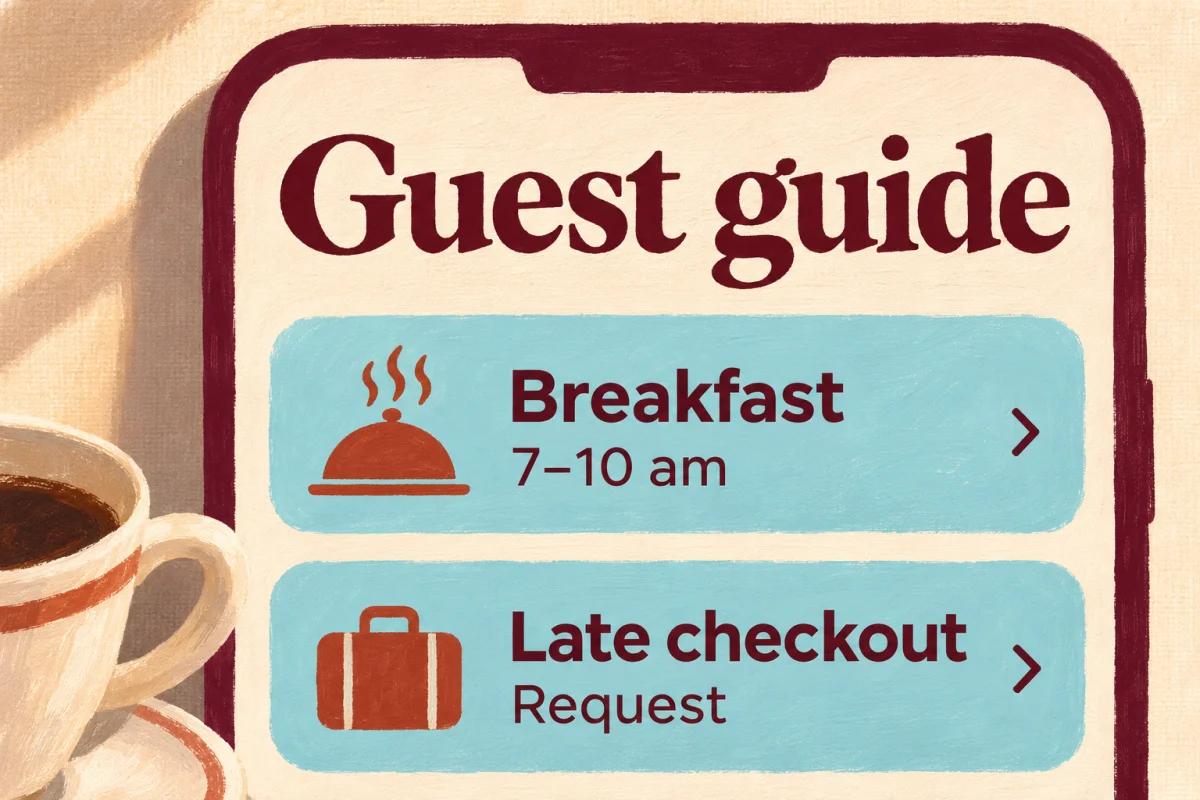
Extras at the right moment
Offer amenities such as breakfast, room upgrades or late checkout during registration or the stay. Keep the offer and its terms visible before a guest chooses it.
Requests and checkout from the portal
Guests can contact staff, request a service or use digital checkout where enabled. The team can see the stay behind a request and follow up with the right guest.
Which hotel extras should be requests?
Work through one breakfast purchase and one late checkout request. Breakfast may be sold for a particular morning, while a late departure may depend on housekeeping capacity and the next arrival. Check what the guest sees before and after making each selection. Ask how staff confirm, decline or adjust an extra when the guest changes dates or the property runs out of capacity. If digital checkout is enabled, use the same reservation to see how the added item appears when the guest reviews their bill.
Alongside this workflow
- Guest messaging and AI chatbot
Bring guest messages into one inbox. Let the chatbot answer routine questions and give staff the booking context for the rest.
- Digital check-in and kiosk
Let guests complete registration on their phone before arrival or use a kiosk in the lobby.
- Team tickets and housekeeping tasks
Assign service requests, maintenance issues and housekeeping tasks to the team that can complete them.