Team tickets and housekeeping tasks
Assign service requests, maintenance issues and housekeeping tasks to the team that can complete them.
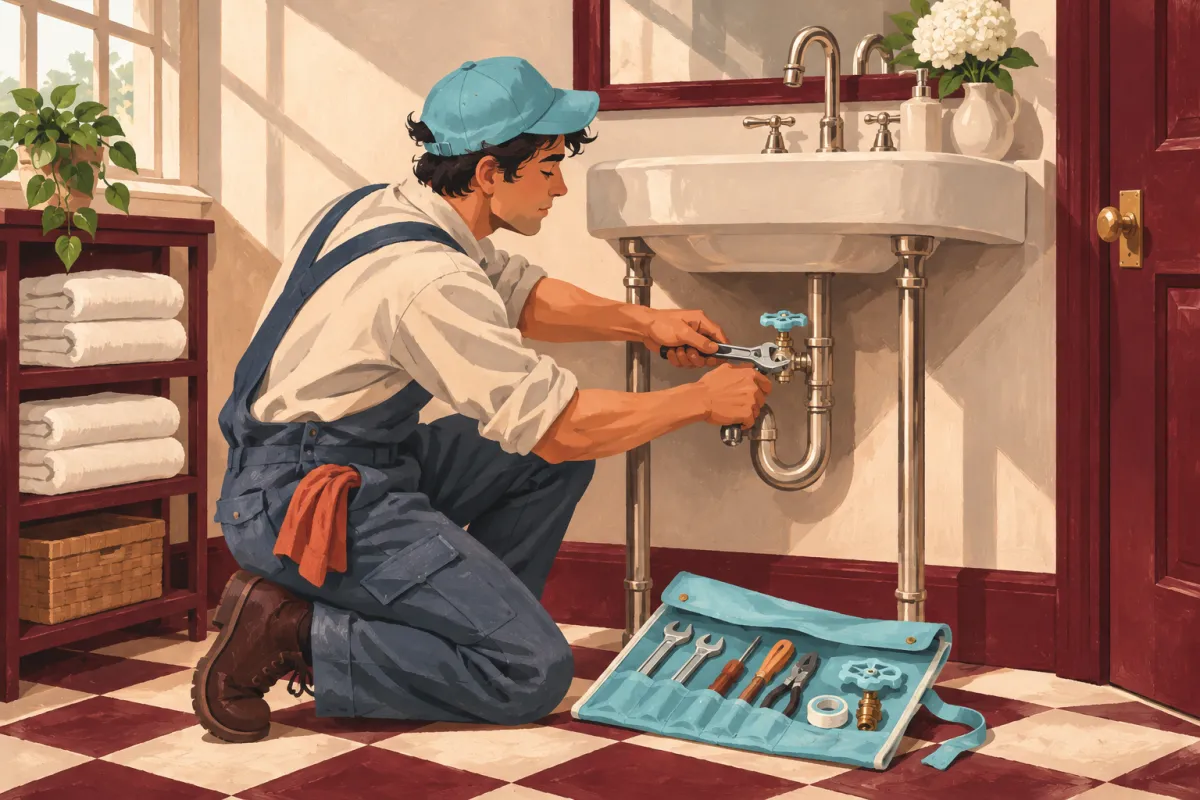
Assign the guest’s request to the team that can act
A guest at a business hotel reports a leaking shower while leaving for a meeting. Reception records the room, the location of the leak and when the guest expects to return, then assigns the ticket to maintenance. The engineer adds an update after inspecting the shower. At handover, the evening clerk can see whether the room needs more work before contacting the guest or discussing a move.
Record the details the next person needs to act
When logging a guest request, include the room, the work, any agreed times and any information that changes how someone can access the room. Assign it to the department responsible and update the task when there is progress or a delay. For scheduled stay events such as departure, check that a generated housekeeping task includes the room and arrival priority the floor team needs. At handover, review open tickets by department and call out requests that require someone to update a guest.
Give each request an owner
Create a ticket from a guest request and assign it to the department that can act. Include the room and the work required so the recipient can start with enough context.
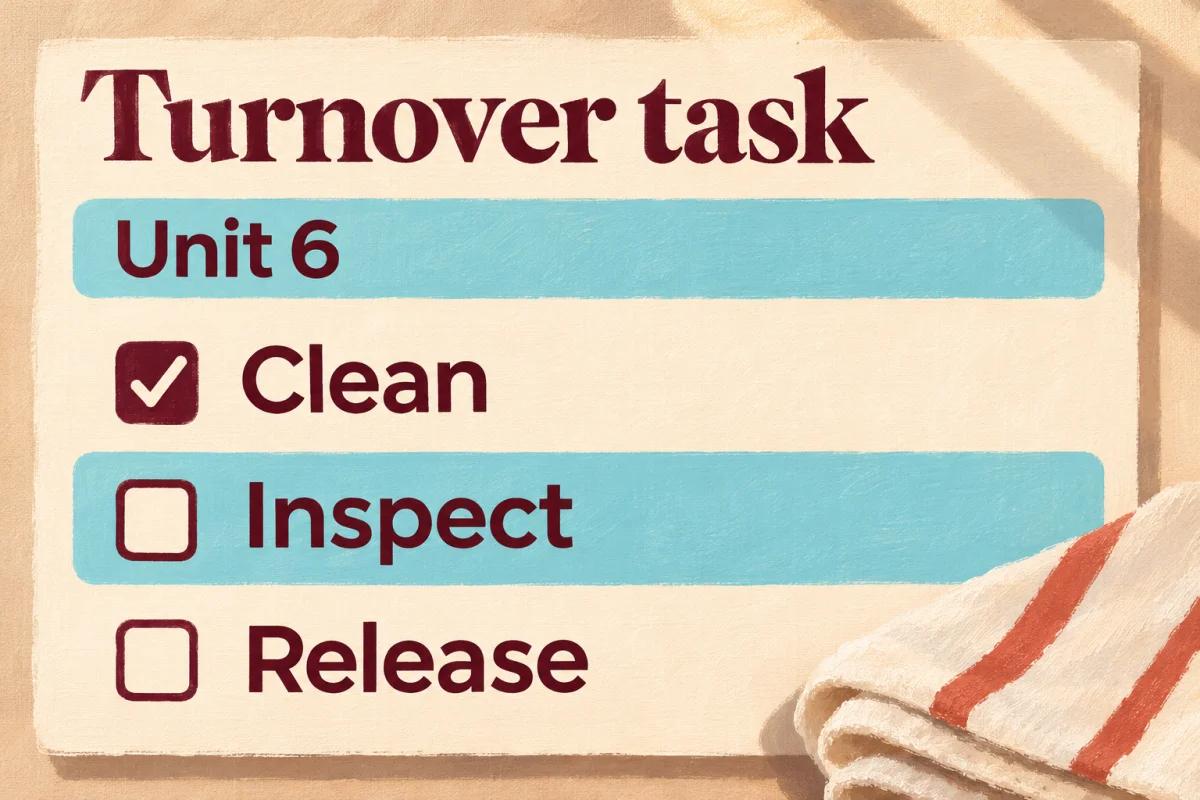
Create tasks from stay events
Configure a workflow to create a task on a reservation event such as checkout. Housekeeping can pick up the turnover while reception manages the next arrival.
See what is still open at shift change
Review open and completed tickets before the next shift takes over. Use team chat for details that affect the timing of the work or the reply to a guest.
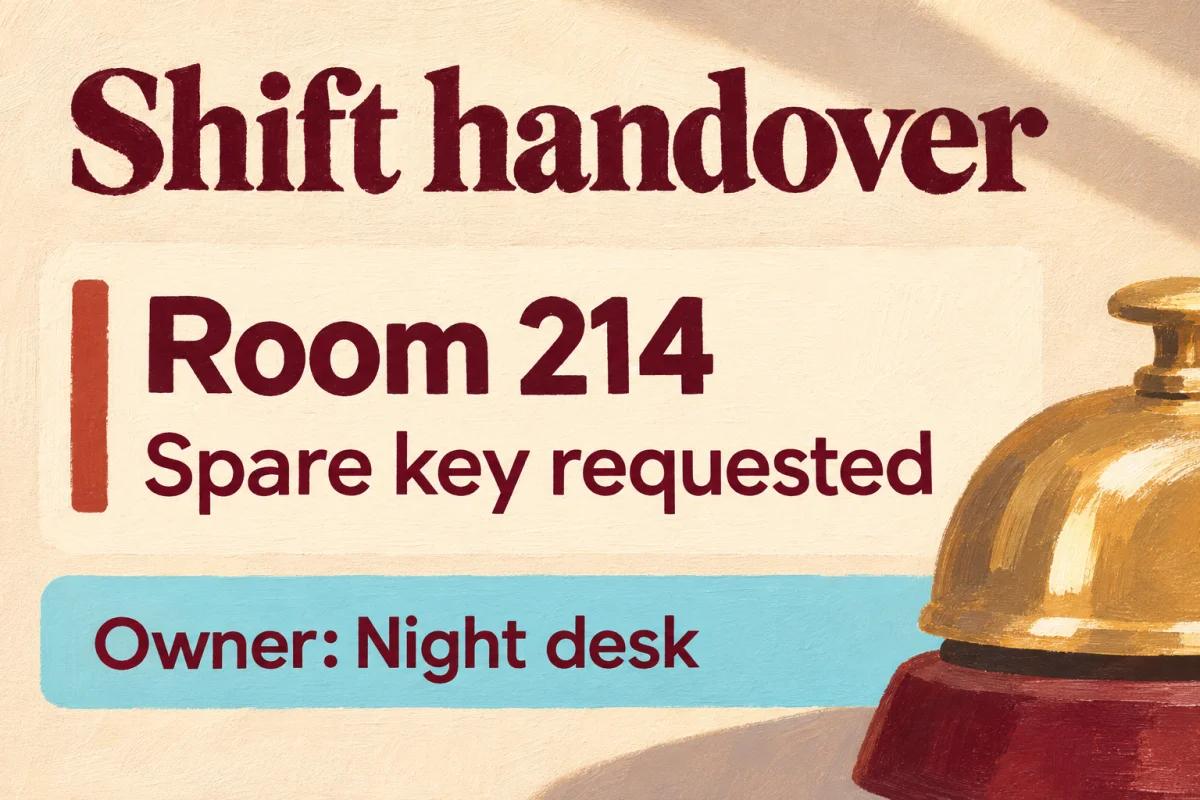
How should a housekeeping issue reach maintenance and reception?
Trial a turnover where housekeeping finds a fault just before an incoming guest is due. Ask how the attendant records the fault, who assigns the repair and what reception can see while deciding whether to allocate the room. Also check how the team records that the work has finished and whether a room inspection is needed before it is released. Use this scenario to agree which person owns the guest update as the task moves between teams.
Alongside this workflow
- Guest messaging and AI chatbot
Bring guest messages into one inbox. Let the chatbot answer routine questions and give staff the booking context for the rest.
- Digital check-in and kiosk
Let guests complete registration on their phone before arrival or use a kiosk in the lobby.
- Guest portal and upsells
Give guests a web portal for stay details, property information, service requests and optional extras.