Guest messaging and AI chatbot
Bring guest messages into one inbox. Let the chatbot answer routine questions and give staff the booking context for the rest.

Give the next shift the full conversation
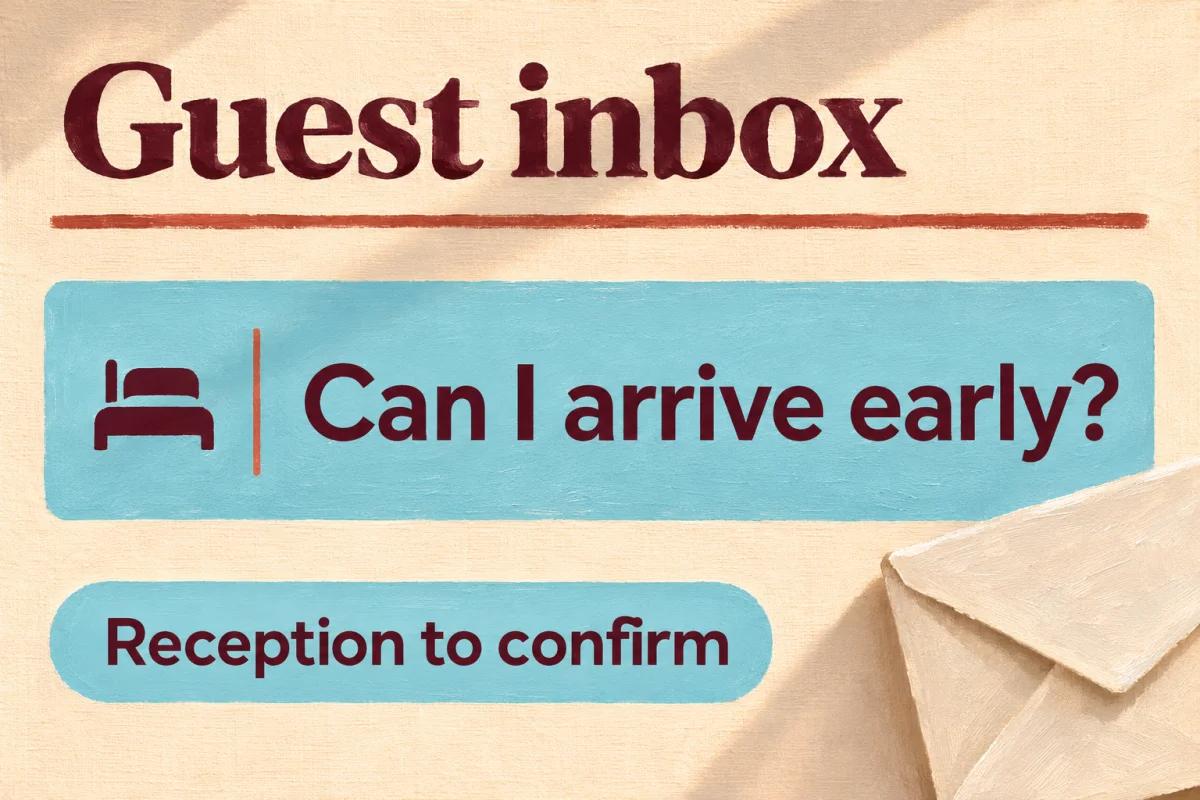
A guest messages a small hotel before arrival to ask whether dinner service will still be open when their train gets in. The chatbot can answer using the property’s published hours. The guest then asks to move the booking by a night. Reception takes over in the same thread and checks the rate and availability before responding. The evening clerk can see the conversation if the guest calls after the handover.
Use property information to answer repeat questions
Start with the questions staff answer every week, such as where to park after hours, when breakfast starts and how to find the night entrance. Give answers appropriate to each property and include any useful exceptions, such as different hours on public holidays. Check scheduled pre-arrival messages against the same information so guests receive consistent instructions. Decide which reservation changes, billing issues and service complaints the team should pick up. Give the evening and weekend shifts a way to see which conversations still need a reply.
A shared inbox for guest messages
Reply to messages from connected email, SMS, WhatsApp, web chat and booking channels in one place. Open the associated reservation when a question depends on the stay dates or room assignment.
Answers from your property information
Use the AI chatbot to answer recurring questions about hours, amenities and arrival instructions. Hand exceptions to staff so they can check the details and respond in context.
Messages tied to the stay
Set up messages for moments such as pre-arrival and checkout. Use reservation details in your templates so a guest receives instructions for their own stay.
When should the hotel chatbot hand a conversation to staff?
Test an ordinary opening-hours question, then try one where the hotel needs to decide something for the guest. A request to guarantee an early check-in or waive a cancellation charge needs availability or booking terms as well as judgement. Watch what the guest sees when staff take over and what information reception can view alongside the message. If a guest writes through two channels about the same booking, check how staff can recognise the earlier conversation before repeating advice or taking the same action twice.
Alongside this workflow
- Digital check-in and kiosk
Let guests complete registration on their phone before arrival or use a kiosk in the lobby.
- Guest portal and upsells
Give guests a web portal for stay details, property information, service requests and optional extras.
- Team tickets and housekeeping tasks
Assign service requests, maintenance issues and housekeeping tasks to the team that can complete them.