Take direct bookings for the rooms guests actually choose
Make it easy to book a distinctive room, plan arrivals around hosting duties and see what each guest has paid.

Show the differences that matter when guests book
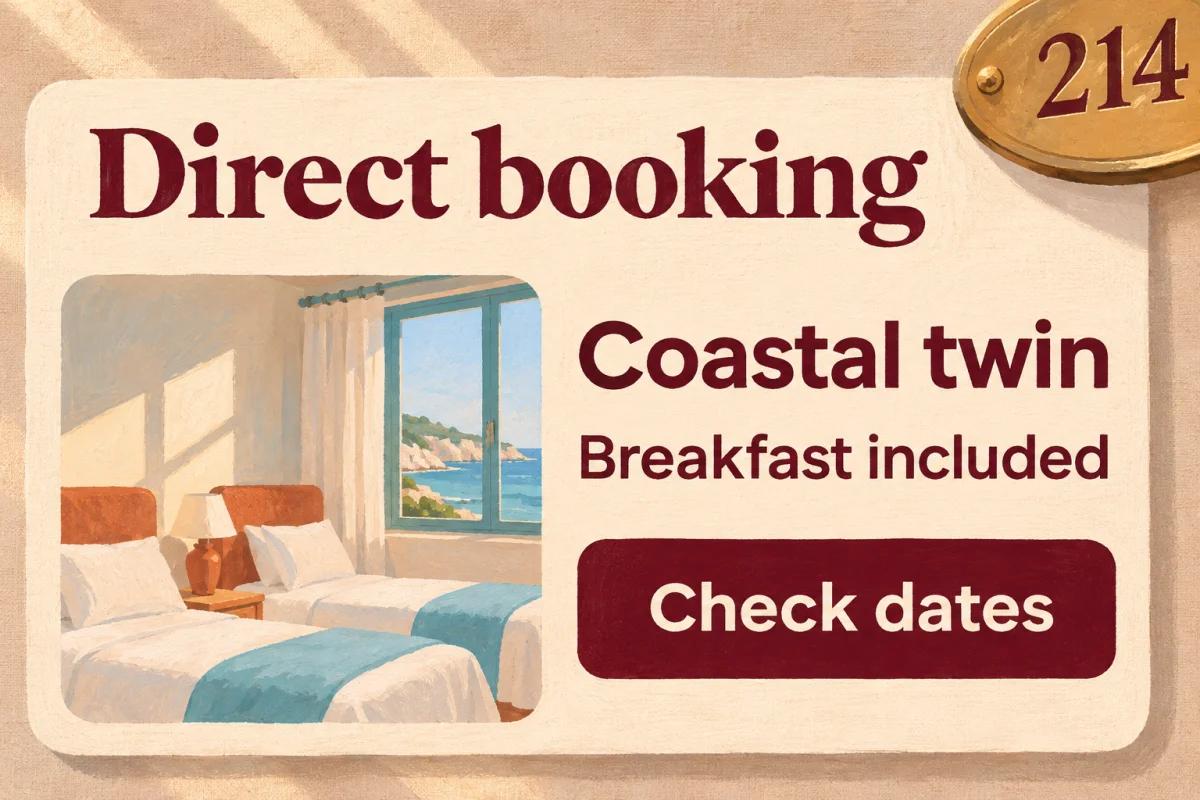
Describe the bed setup, bathroom and access for each room before guests select dates. Try booking a ground-floor room for someone who cannot use stairs, then amend the dates when that room is already sold. If bedrooms are sold by individual name, check where staff can see the guest’s original selection. Agree who confirms with the guest before moving them to another room, especially where the facilities differ.
Make phone and website bookings use the same inventory
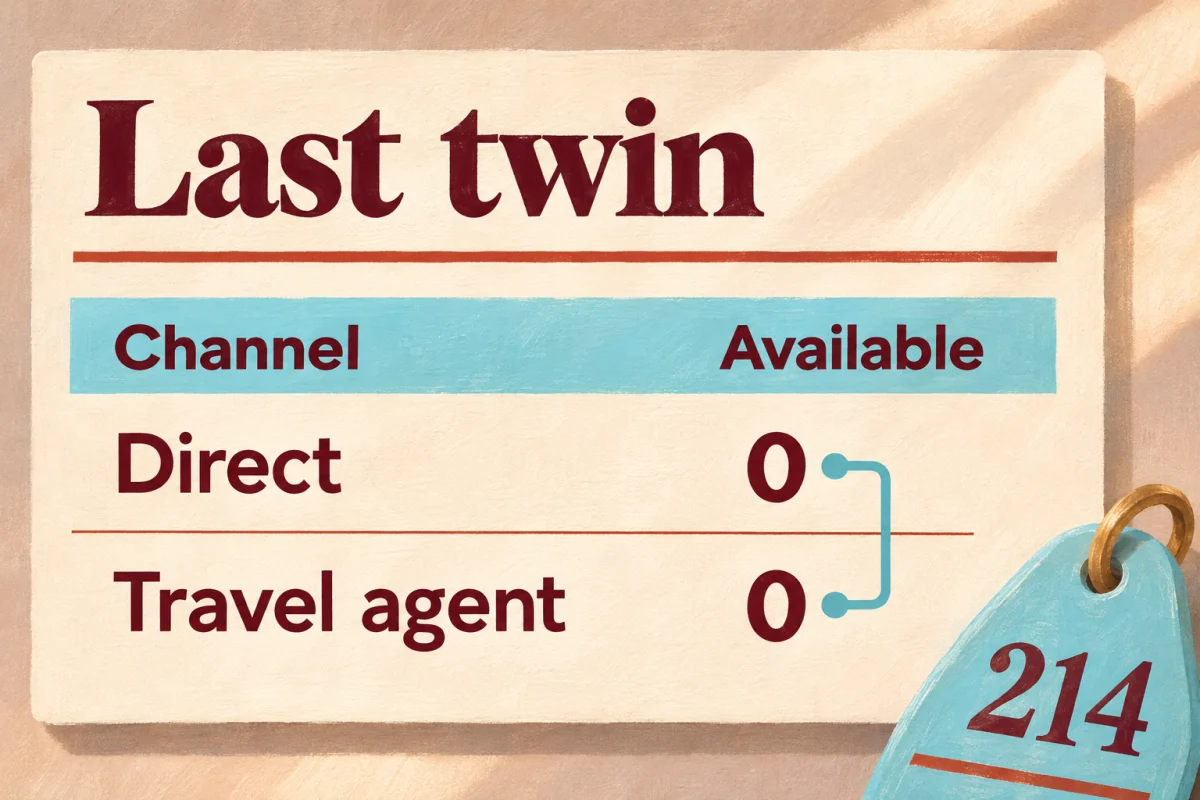
Take a phone booking for the last room while another person searches your direct booking engine. Add the reservation, check what still appears for sale and try a date change. If you also use an online travel agency, check the matching listing there. Demonstrate how the booking engine presents minimum stays, inclusive extras and the total across all nights before a guest confirms a long weekend.
Use arrival messages to plan time away from the desk
Include where to park, the earliest check-in time and how to contact you when nobody is at reception. Try a guest replying that they will arrive after dinner service and need directions to a separate cottage. Check who sees the reply, who follows up when the host is off duty and how you update any instructions that have already gone out. Make the late arrival visible in the next shift’s handover.
Make deposits and extras understandable at checkout
Rehearse a direct booking with a deposit, breakfast included and a separately charged bottle of wine. Ask someone other than the host to explain the folio and collect the correct balance. Then change the dates and check what happens to the deposit. If one channel takes payment on your behalf, check the reservation record for who collects the balance before you ask a guest to pay.
Test the software during a typical hosting morning
Use a phone or tablet to check out one room, flag a dietary request for the kitchen and review tomorrow’s arrival times. Ask what information is available to a relief host covering the weekend and what they need permission to change. Where you rely on regional internet coverage, ask to see what staff can still look up during an outage and agree how they will record any manual changes afterwards.
Stayclouds products for these workflows
- Booking engine
Let guests compare rooms, choose a rate, and confirm a reservation directly on your hotel website.
- Guest messaging and AI chatbot
Bring guest messages into one inbox. Let the chatbot answer routine questions and give staff the booking context for the rest.
- Guest portal and upsells
Give guests a web portal for stay details, property information, service requests and optional extras.